Adjusting the Print Settings During Printing
48
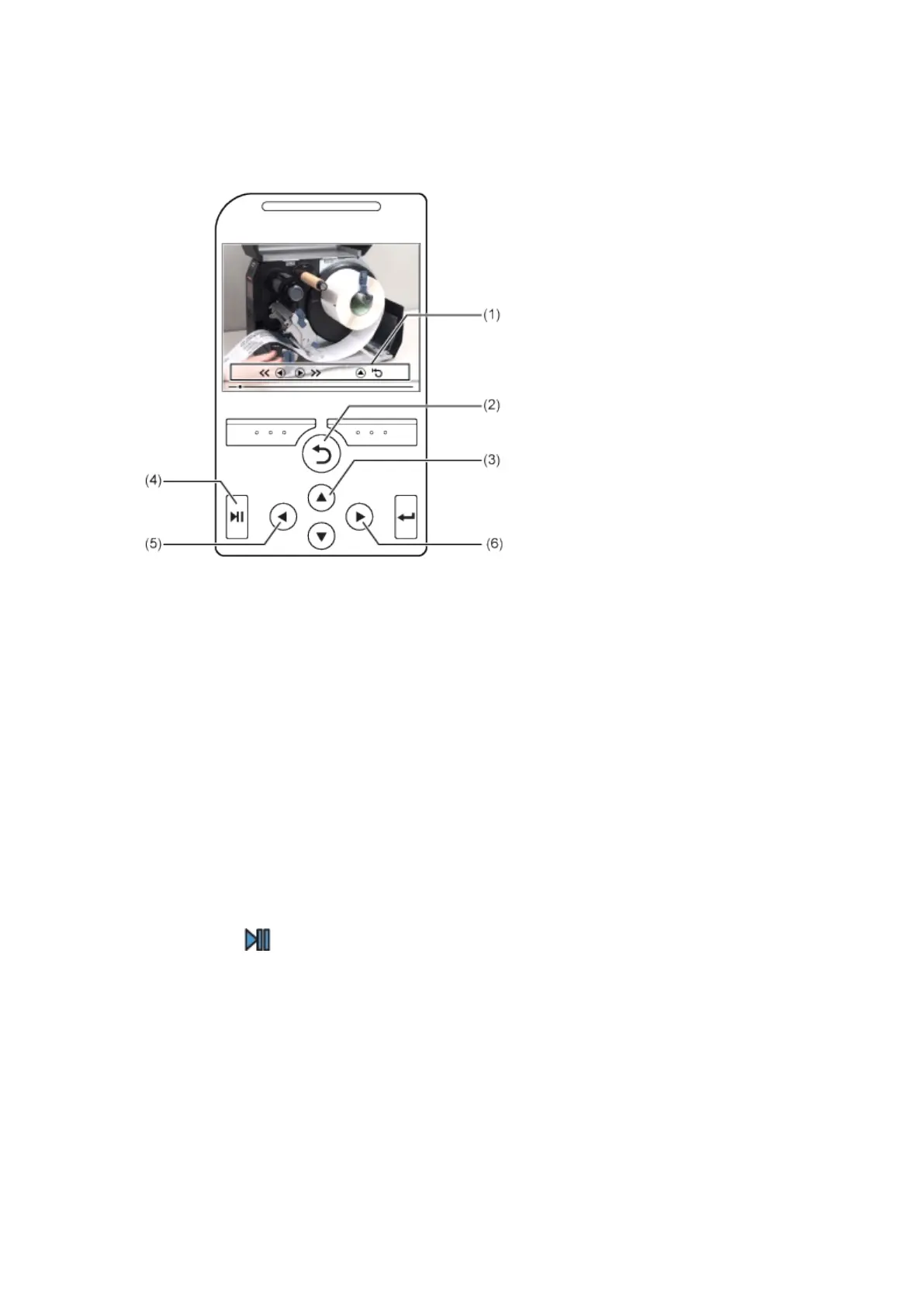
Operating the Guidance Video
(1) Indication panel appears again when one of the buttons is pressed.
(2) Stop the playback of the video and return to menu.
(3) Playback the video from the start.
(4) Playback or pause the video.
(5) Rewind the video.
(6) Fast-forward the video.
Adjusting the Print Settings During Printing
Follow the procedure below to adjust the print position, print darkness and print speed during printing.
1.
Press the button to pause print job and change the product to Offline mode.



 To Next Page