603
Adjusting the Media Stop Position
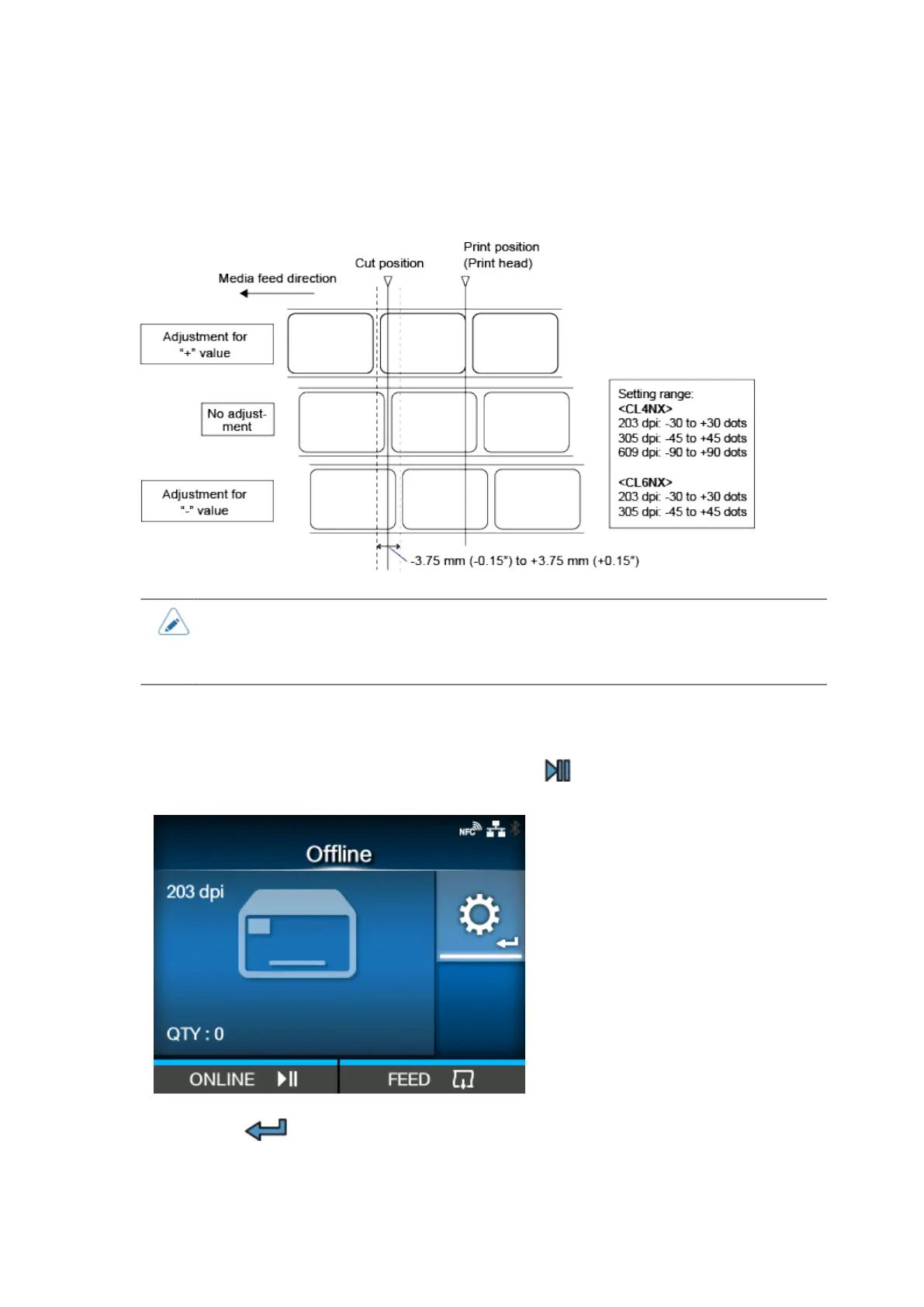
Set the [Offset] in the [Printing] > [Advanced] > [Adjustments] menu to adjust the media stop position.
• The above cut reference position for printing indicates the stop position when the
media sensor type is set to Gap.
• You can also adjust when the operation mode is specified to Tear-off or Dispenser.
1.
When the product is in Online mode, press the button on the operator panel to
change to Offline mode.
2.
Press the button to show the [Settings] menu.



 To Next Page