79
Date Setting with Optional RTC Kit
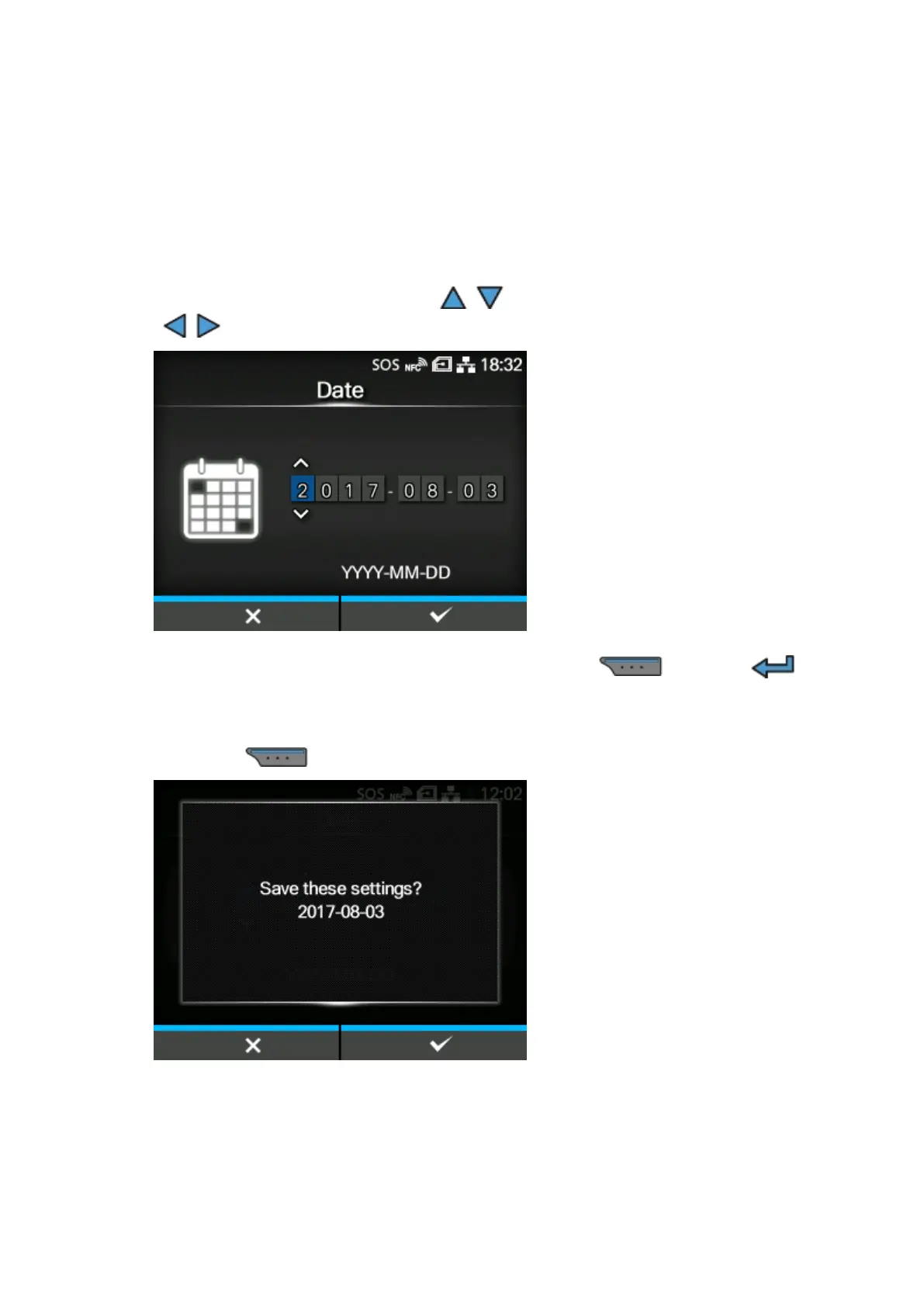
Set the date.
1.
Select the current value using the / buttons, and move the cursor using the
/ buttons.
2.
When you have completed the date setting, press the button or
button.
The confirmation screen appears.
3.
Press the button to confirm.



 To Next Page