217
• If no option is installed, [Continuous] and [Tear-Off] are available.
• If the optional cutter unit is installed, [Continuous], [Tear-Off], [Cutter], and [Cut & Print]
are available.
• If the optional dispenser unit is installed, [Continuous], [Tear-Off], and [Dispenser] are
available.
• If the optional linerless cutter kit is installed, only [Linerless] is available.
• You cannot set the [Print Mode] if [Auto-mode] is [Enabled].
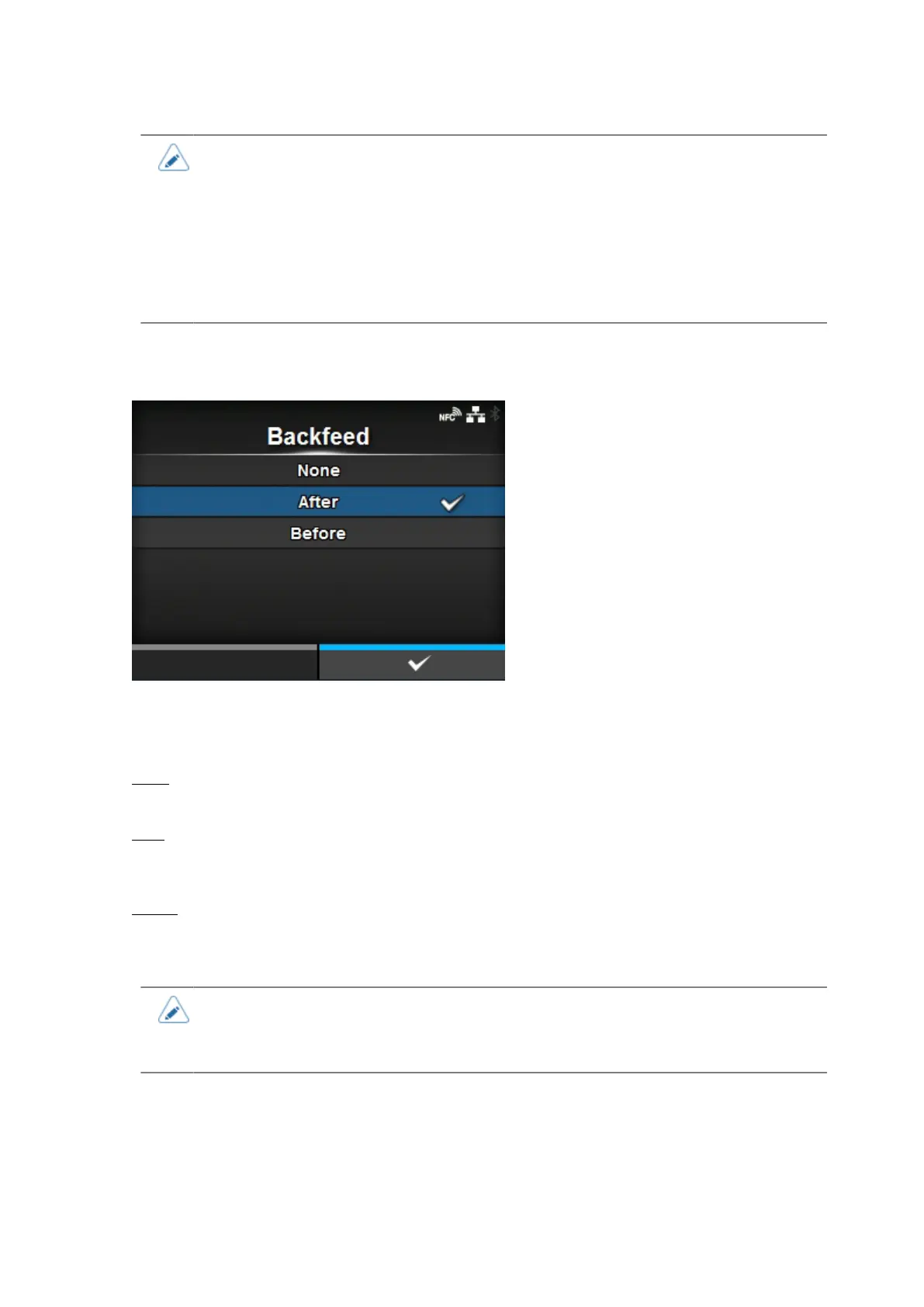
[Backfeed]
[Backfeed] is applicable when the print mode is set to tear-off mode, cutter mode, cut & print mode,
dispenser mode or linerless mode.
The options are as follows:
None
Do not backfeed.
After
After cut, backfeed the front part of the next media to the print head position. For dispenser mode,
backfeed the front part of the next label after dispensing the label.
Before
Before printing, backfeed the front part of the next media to the print head position.
• If you have selected [Tear-Off] or [Linerless] in the [Print Mode], only [Before] is
available.
• If you have selected [Cut & Print] in the [Print Mode], only [After] is available.



 To Next Page