35
Status Icon
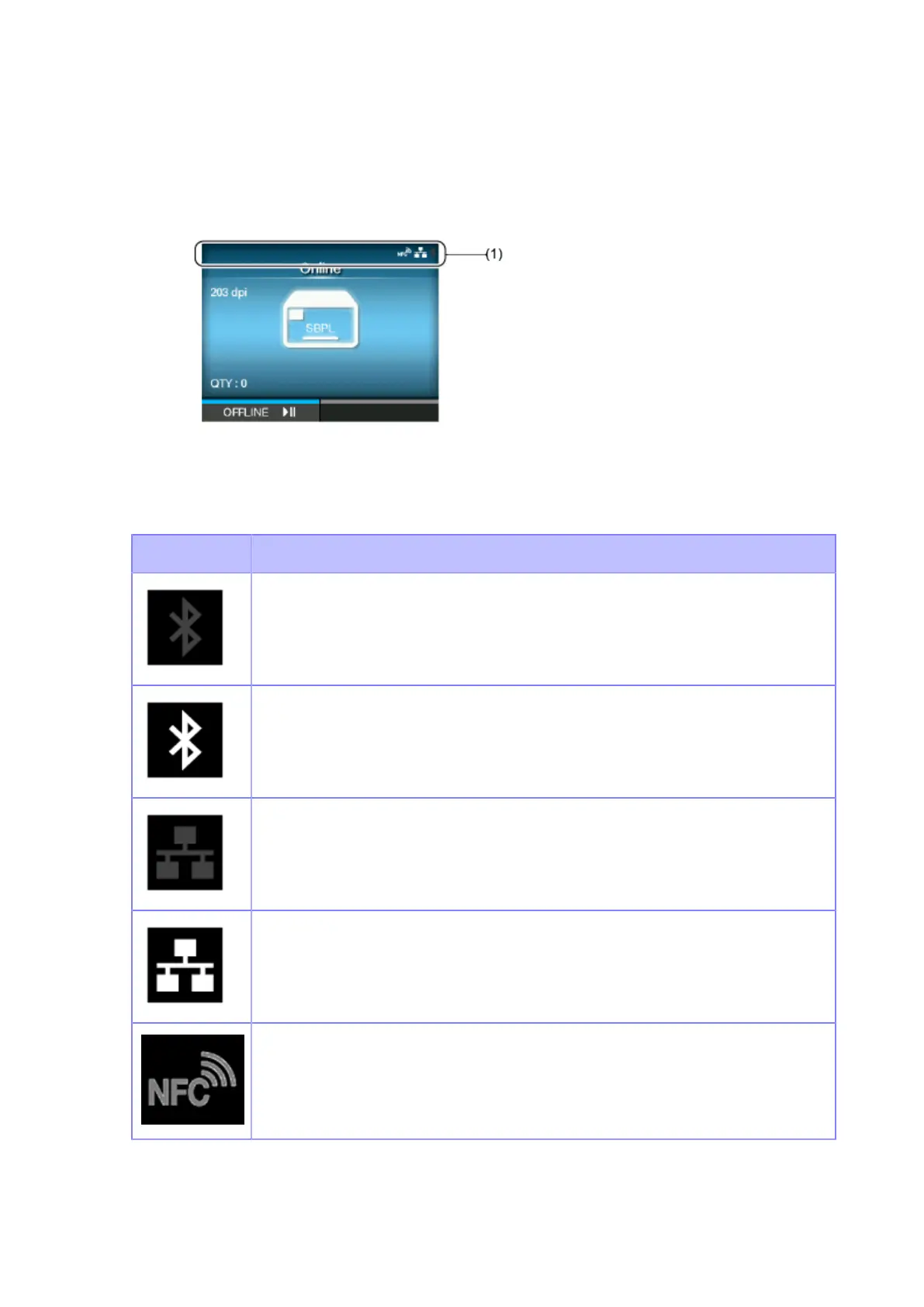
The icons on the status bar of the display show the product's status.
(1) Status bar
Communication Interface Status
Icon Description
Bluetooth is enabled but not connected.
Bluetooth is enabled and connected.
Network link is enabled but not connected.
Network link is enabled and connected.
NFC is enabled but not connected.



 To Next Page