155
The settings of the printer driver should be done by the administrator. If you change a setting value
or add a printer port through someone other than the administrator, an error screen appears and the
processes you operated are not reflected.
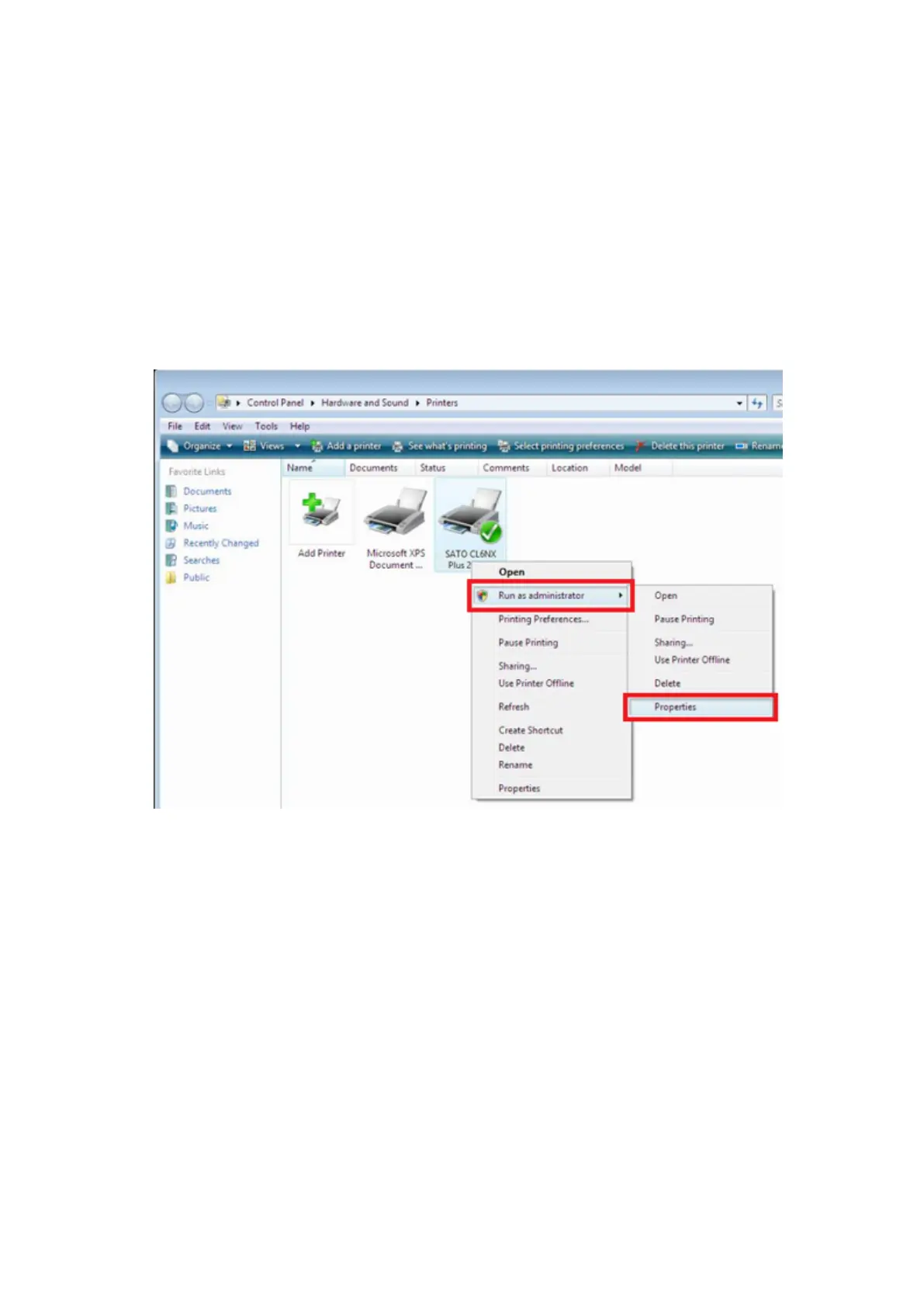
In Windows Server 2008, open the properties screen of the printer driver as an administrator with the
following procedures.
1. Open the [Printers] folder.
2. Right-click the icon of the printer you use and select [Run as administrator], and
then [Properties].
Configuring the Driver Settings
In the printer driver [Properties] > [Driver settings] tab, various settings can be configured, such as
adding media size and fonts and importing/exporting the driver settings.



 To Next Page