117
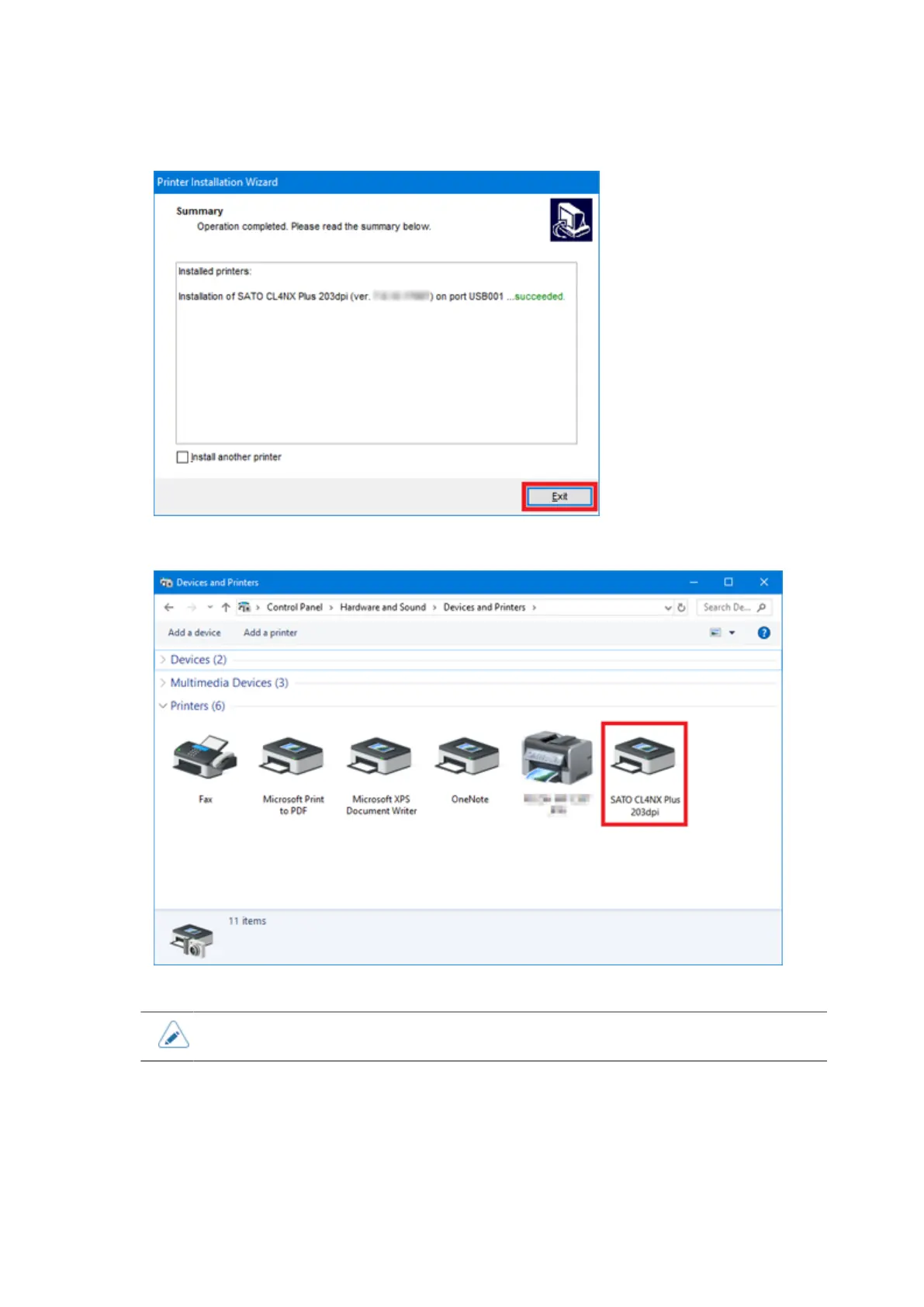
13. Click [Exit] to complete the installation.
14. In [Devices and Printers], confirm that the product is added to [Printers].
• The settings of the printer driver should be performed by the Administrator Privilege.
Installing the Printer Driver (LAN/Wireless LAN)
Do the following procedures to install the printer driver using a LAN/Wireless LAN. The following
procedures use Windows 10 as an example.



 To Next Page