Installing the Printer Driver (LAN/Wireless LAN)
118
• Before starting the installation, close all applications.
• Power off the product and connect the interface cable to a computer.
• When you do the printer driver setup, the properties settings, or the print settings, log in
with Administrator Privilege.
• When you use the printer driver, enable bi-directional communication.
• If the terminal service is being started with Windows Server 2008, change the terminal
service to the install mode. However, it is not guaranteed that the printer driver can be
used in the terminal service environment.
• When using multiple products, it is necessary to install as many printer drivers as
products, to identify each product.
1. Power on the product, and confirm that the product is connected to the network.
2. Start Windows.
3. Download the printer driver from the SATO printer driver download site. http://
www.satoworldwide.com/software/gallerydriver.aspx
4. Extract the downloaded compressed file of the printer driver.
5. Execute PrnInst.exe to start the installer.
6. If a user account control message appears, click [Yes] or [Continue].
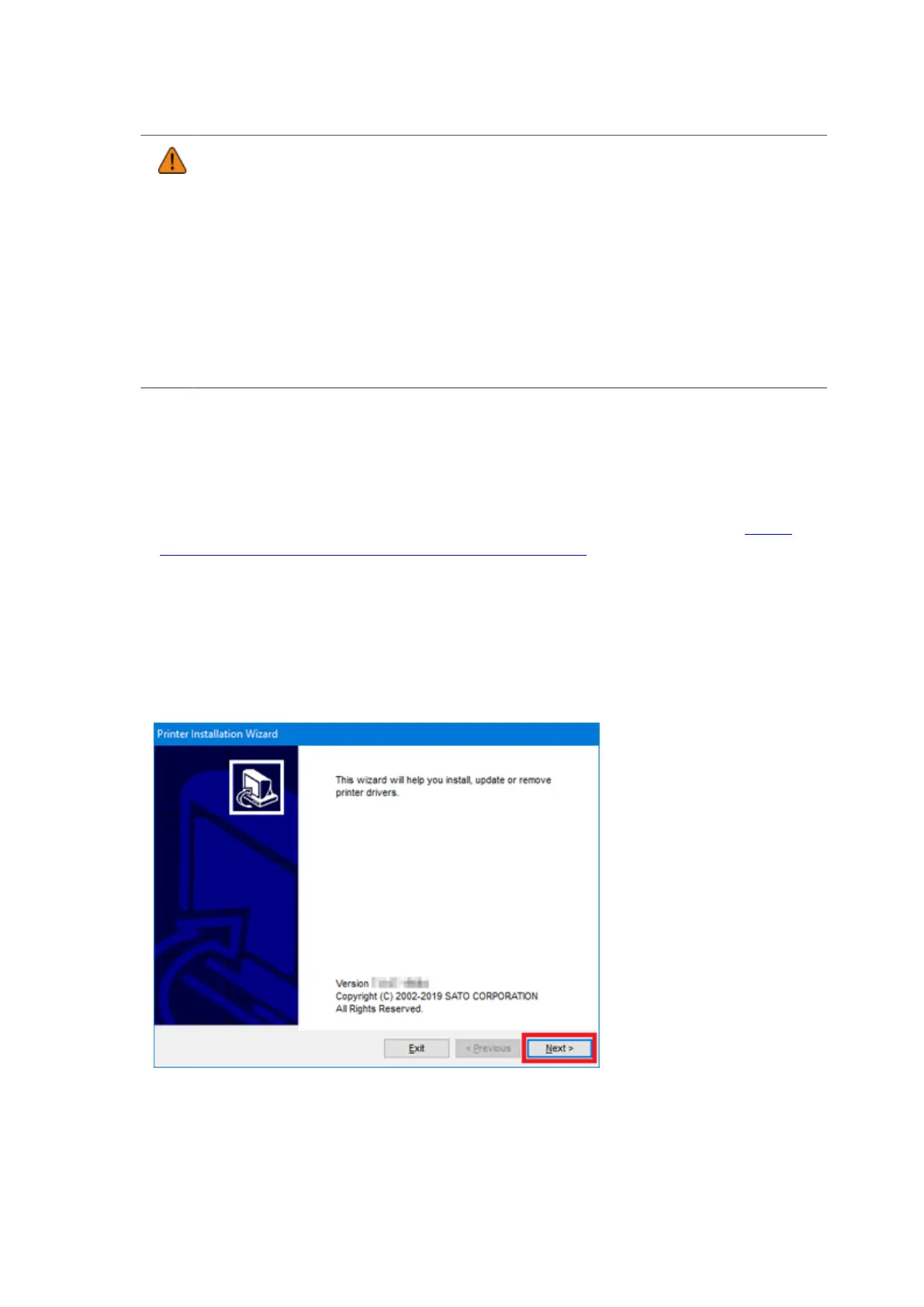
7. Click [Next].



 To Next Page