Adjusting the Print Darkness
608
Adjusting the Print Quality
Adjusting the Print Darkness
The adjustment procedure for the print darkness is as follows:
• You can fine tune the print darkness by setting the [Darkness Adjust] in the [Printing] >
[Advanced] > [Adjustments] menu.
• When the [Printing] > [Advanced] > [Prioritize] menu has been set to [Commands]
and the print darkness is specified by command, the data will be printed with the print
darkness specified by the command.
• While the print job is paused, the [Adjustments] menu will appear instead of the
[Settings] menu and you can adjust the print darkness.
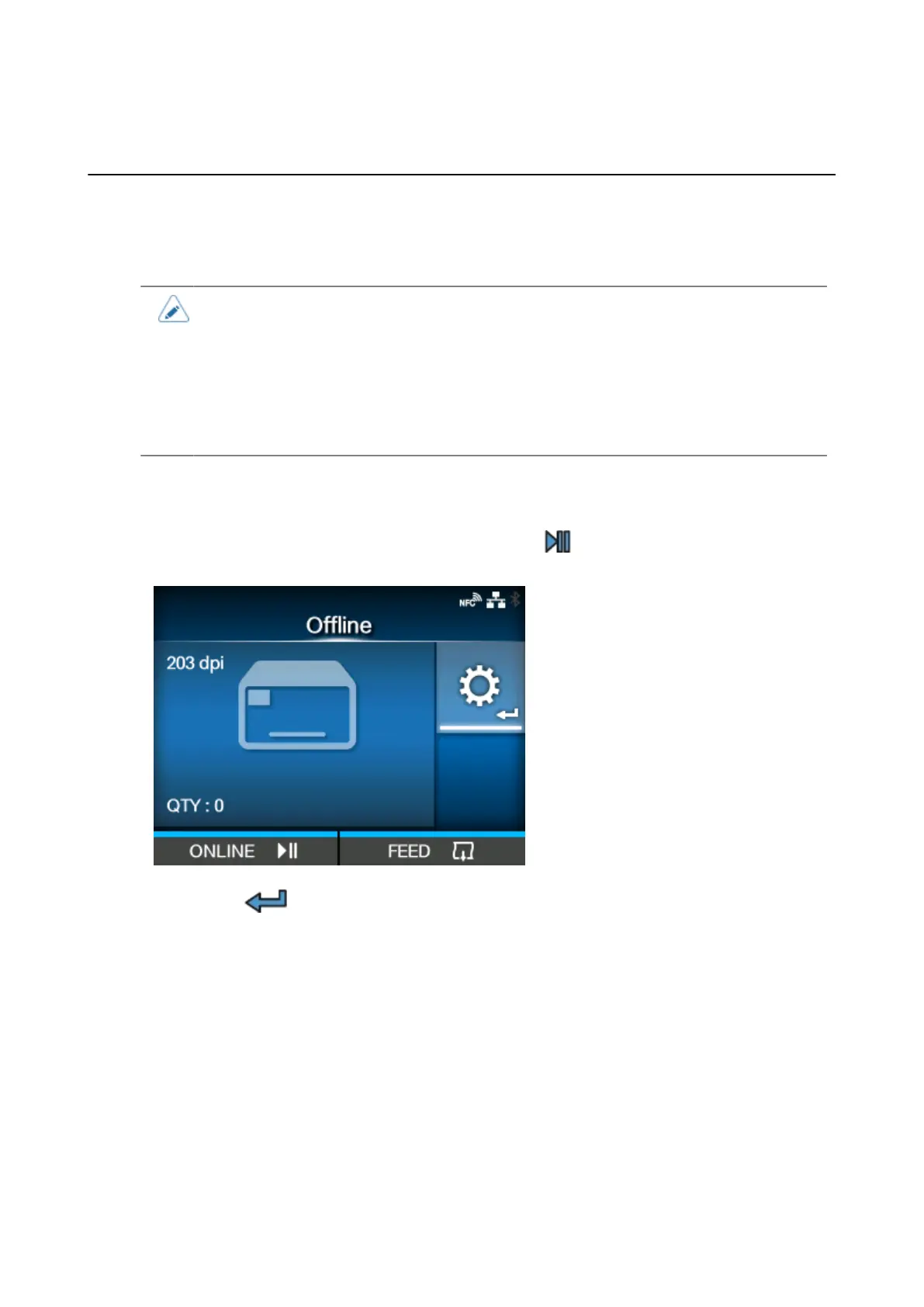
1.
When the product is in Online mode, press the button to change to Offline
mode.
2.
Press the button to show the [Settings] menu.



 To Next Page