609
3.
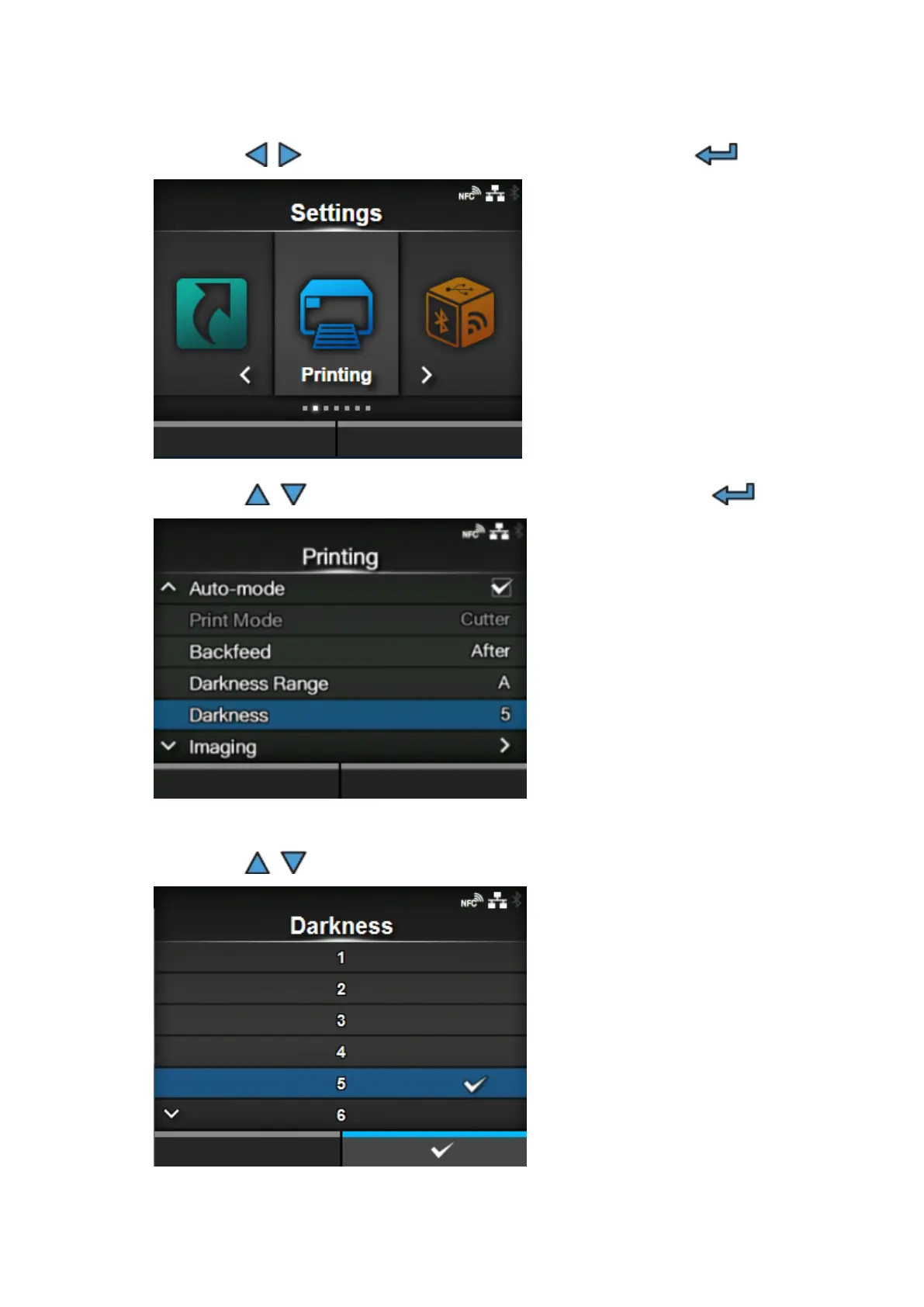
Press the / buttons to select [Printing], and then press the button.
4.
Press the / buttons to select [Darkness], and then press the button.
The [Darkness] screen appears.
5.
Press the / buttons to select a value.
The setting range is from 1 to 10. 1 is the lightest and 10 is the darkest.



 To Next Page