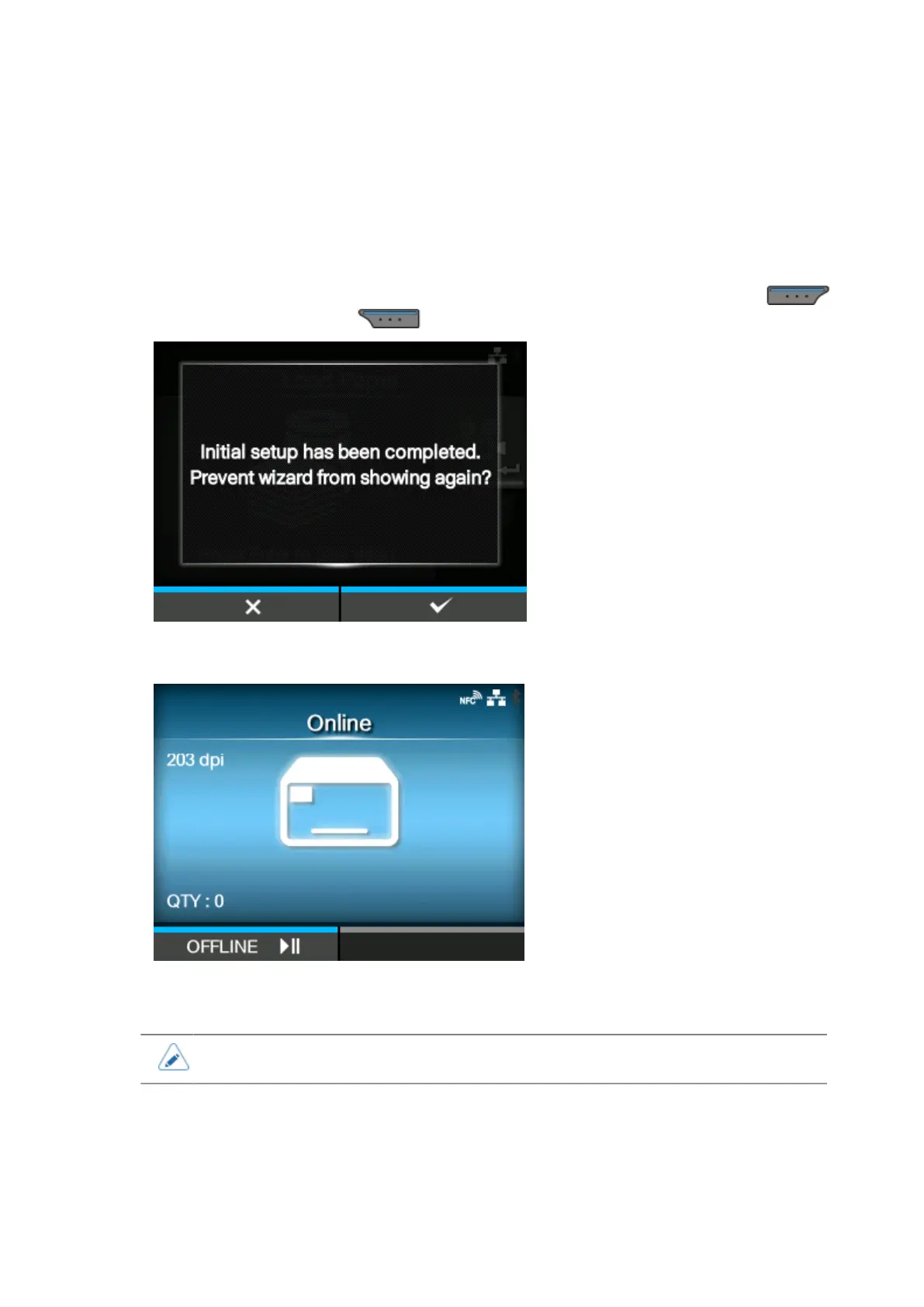
Completion of Initial Setup Screen
86
Completion of Initial Setup Screen
When the startup guide completes, the completion of initial setup screen appears.
1.
If you want the startup guide to show the next time you start up, press the
button. If not, press the button.
When you press one of the soft buttons, the product automatically feeds the media (to the print
head position) and changes to Online mode.
• You can enable or disable the startup guide in [Startup Guide] under the [Tools] menu.



 To Next Page