[Show Total Count]
456
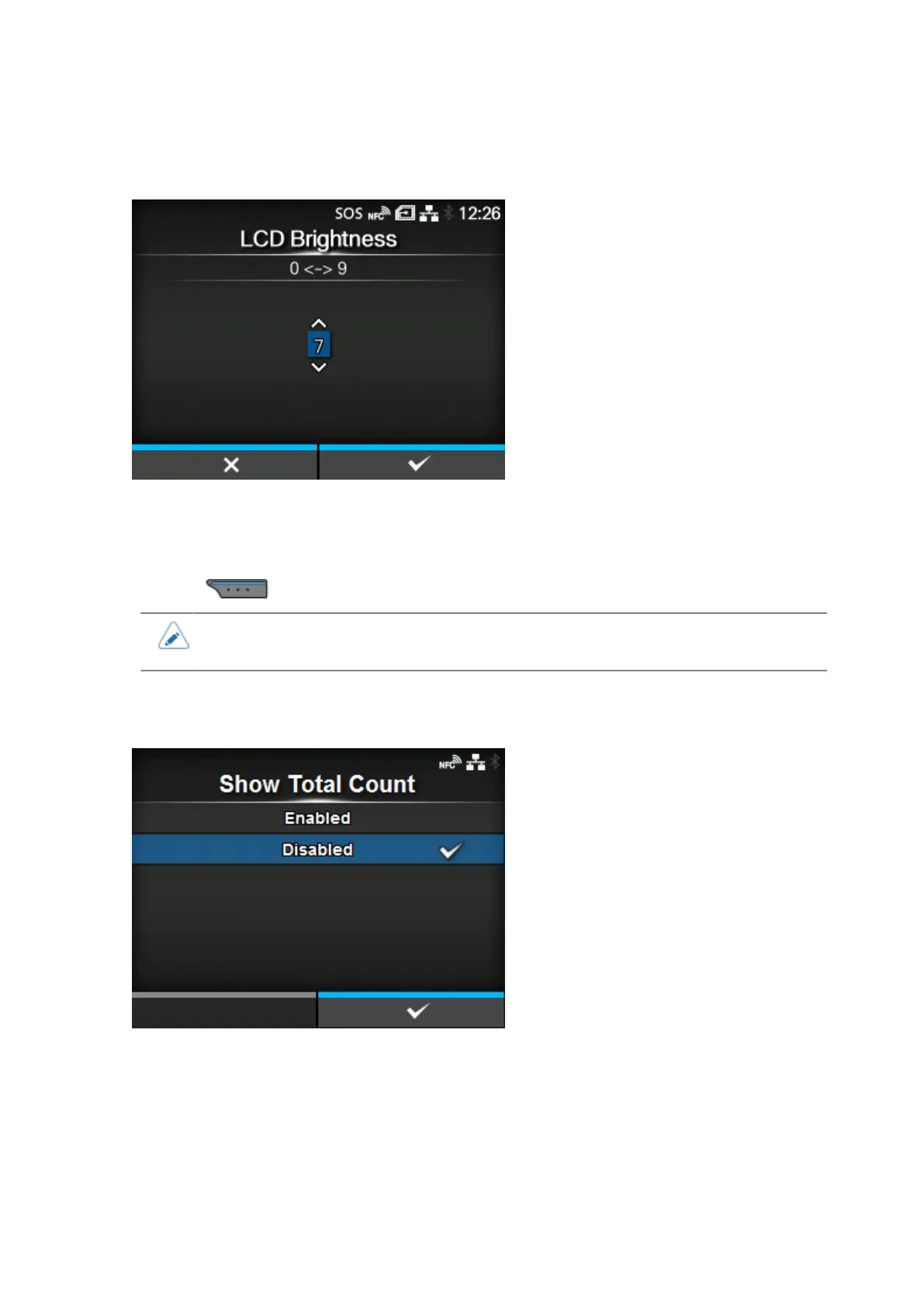
[LCD Brightness]
Set the brightness of the screen.
The setting range is from 0 to 9.
0 is the darkest and 9 is the brightest.
Press the button to complete the setting.
• The product has a built-in energy saving function, which will decrease the brightness of
the screen when you have not operated the product for a period.
[Show Total Count]
Enable or disable the indication of the total print count.
If set to [Enabled], the total print count appears on both the Online and Offline screens.
The number in the brackets to the right of [QTY] on the Online and Offline screens is the total print
count.
The options are as follows:



 To Next Page