Initializing the Setting Values and Data on the Product
644
9.
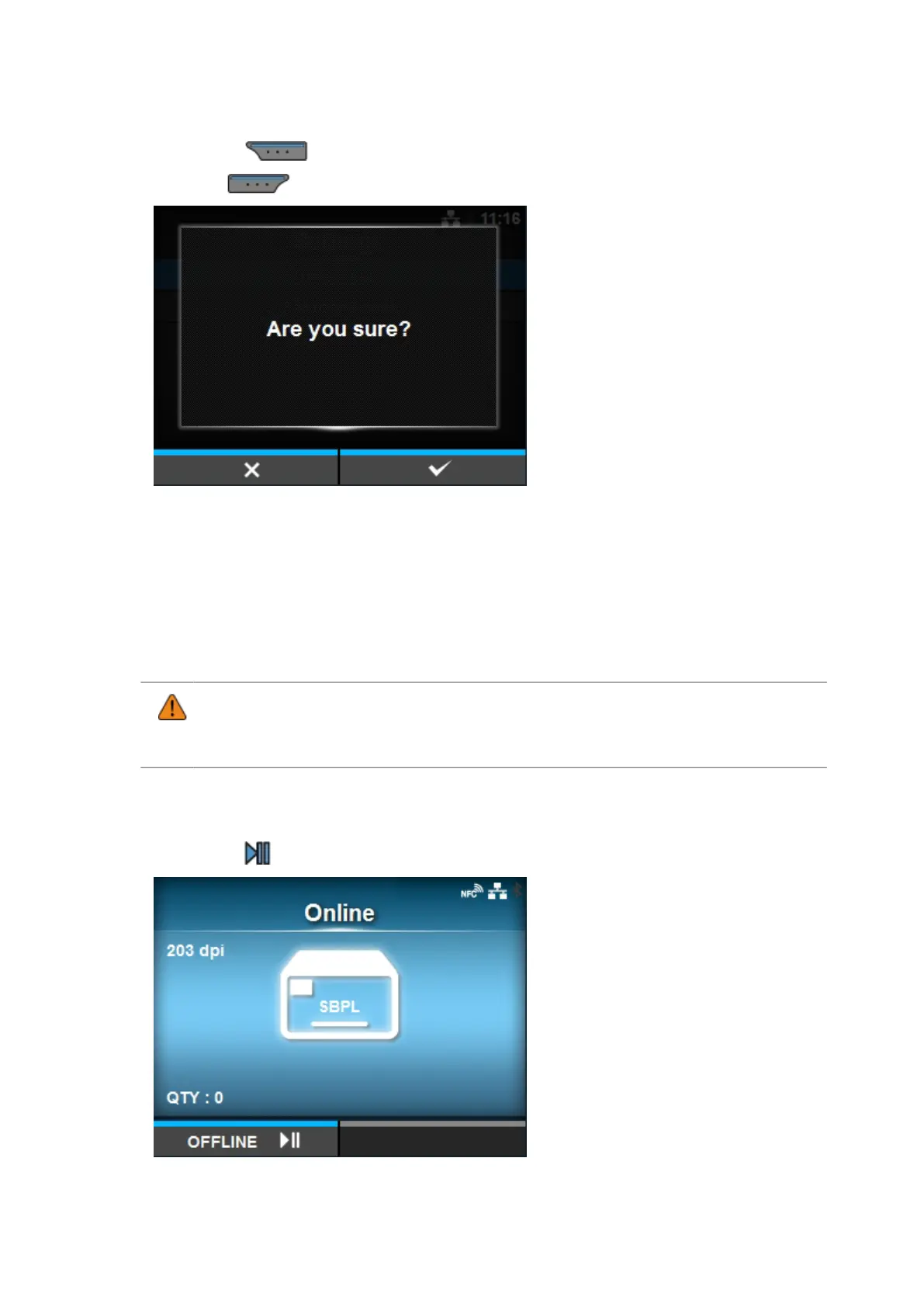
Press the button to perform the initialization.
Press the button to cancel the initialization.
The initialization is performed.
When the initialization is complete, the product reboots.
Initializing the Setting Values and Data on the Product
Initialize the data and setting values on the product.
• It is generally not necessary to perform the initialization. Doing so could change the
print conditions.
• The data to be initialized are the fonts and graphics registered in the product.
1.
Press the button in Online mode.
The product changes to Offline mode.



 To Next Page