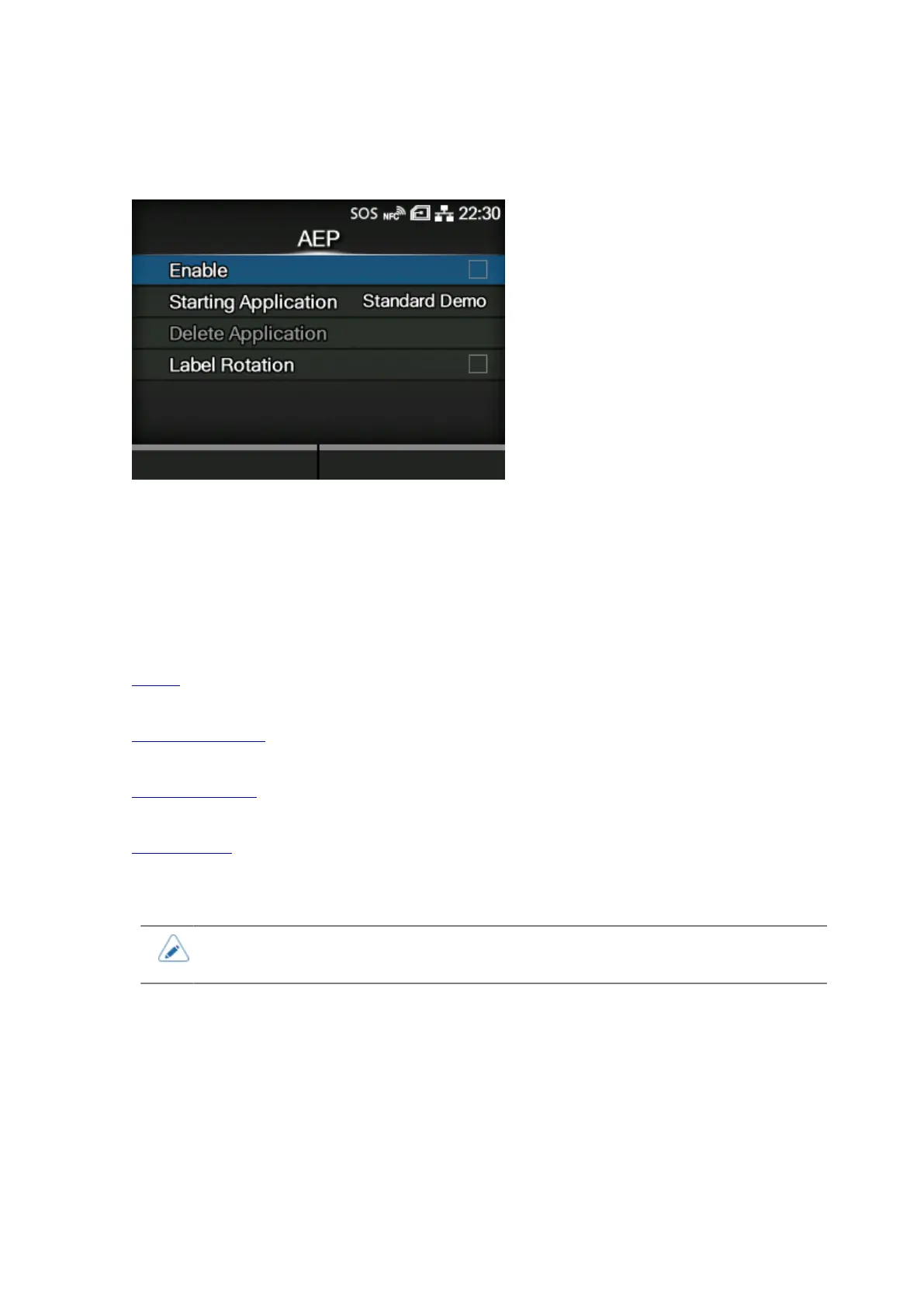
[AEP]
436
[AEP]
Set the functions for AEP (Application Enabled Printing).
AEP mode allows you to use the product as a stand-alone printer by running applications within the
product.
Use the standard application, or install custom applications to the product from a USB memory, All-In-
One Tool, WebConfig page, etc.
In AEP mode, you can use USB keyboards and barcode scanners to input data.
The setting items are as follows:
Enable
Enable or disable AEP mode.
Starting Application
Select the application to start at product startup in AEP mode.
Delete Application
Delete installed applications.
Label Rotation
Set whether to rotate the page orientation for label printing.
• Contact your SATO sales representative for more information about the use of AEP
mode.



 To Next Page