[AEP]
438
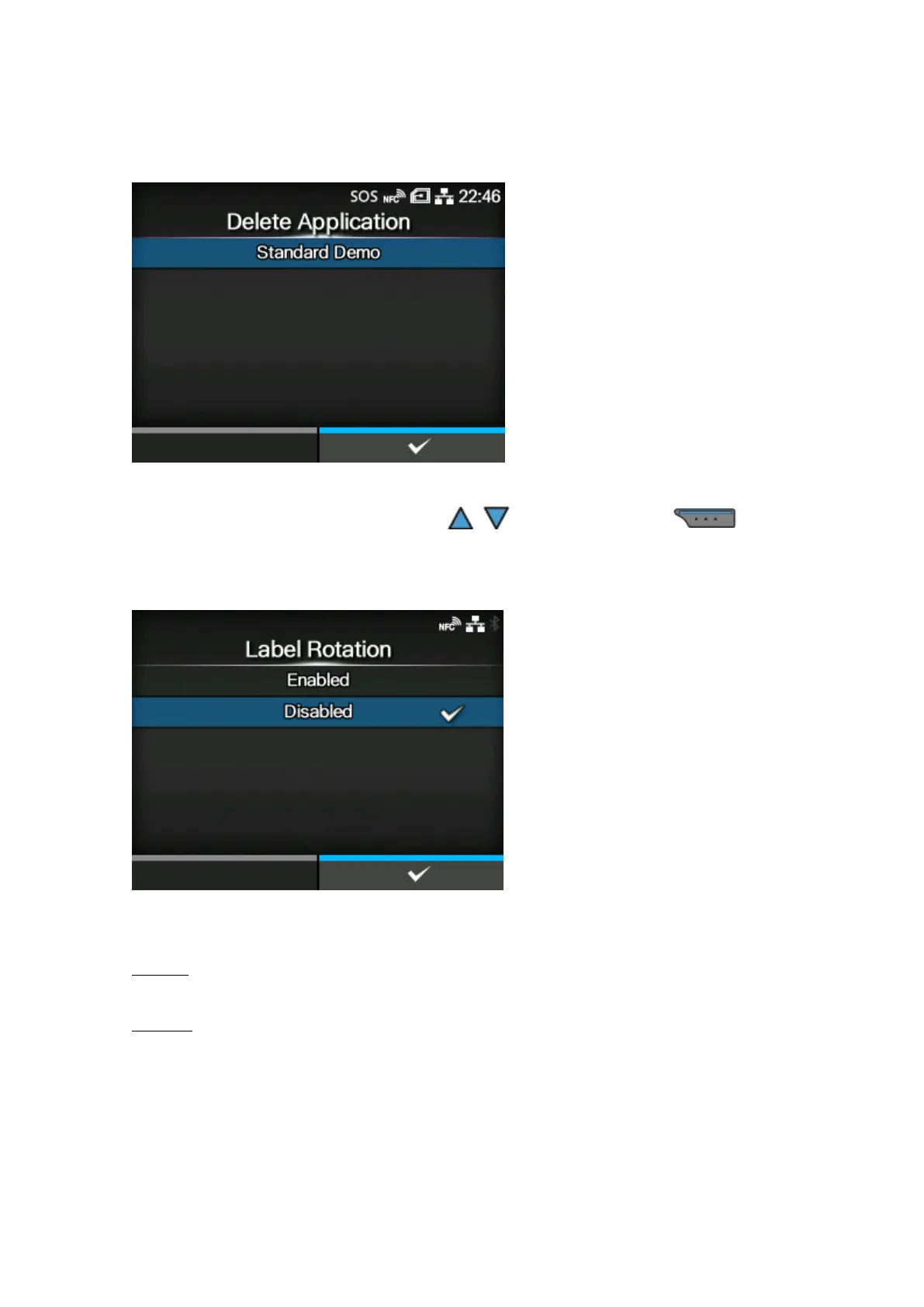
[Delete Application]
Delete installed applications from the list.
Select the application to be deleted using the / buttons and press the button to
confirm.
[Label Rotation]
Set whether to rotate the page orientation for label printing.
The options are as follows:
Enabled
Rotates the page orientation 180 degrees.
Disabled
Does not rotate the page orientation.



 To Next Page