437
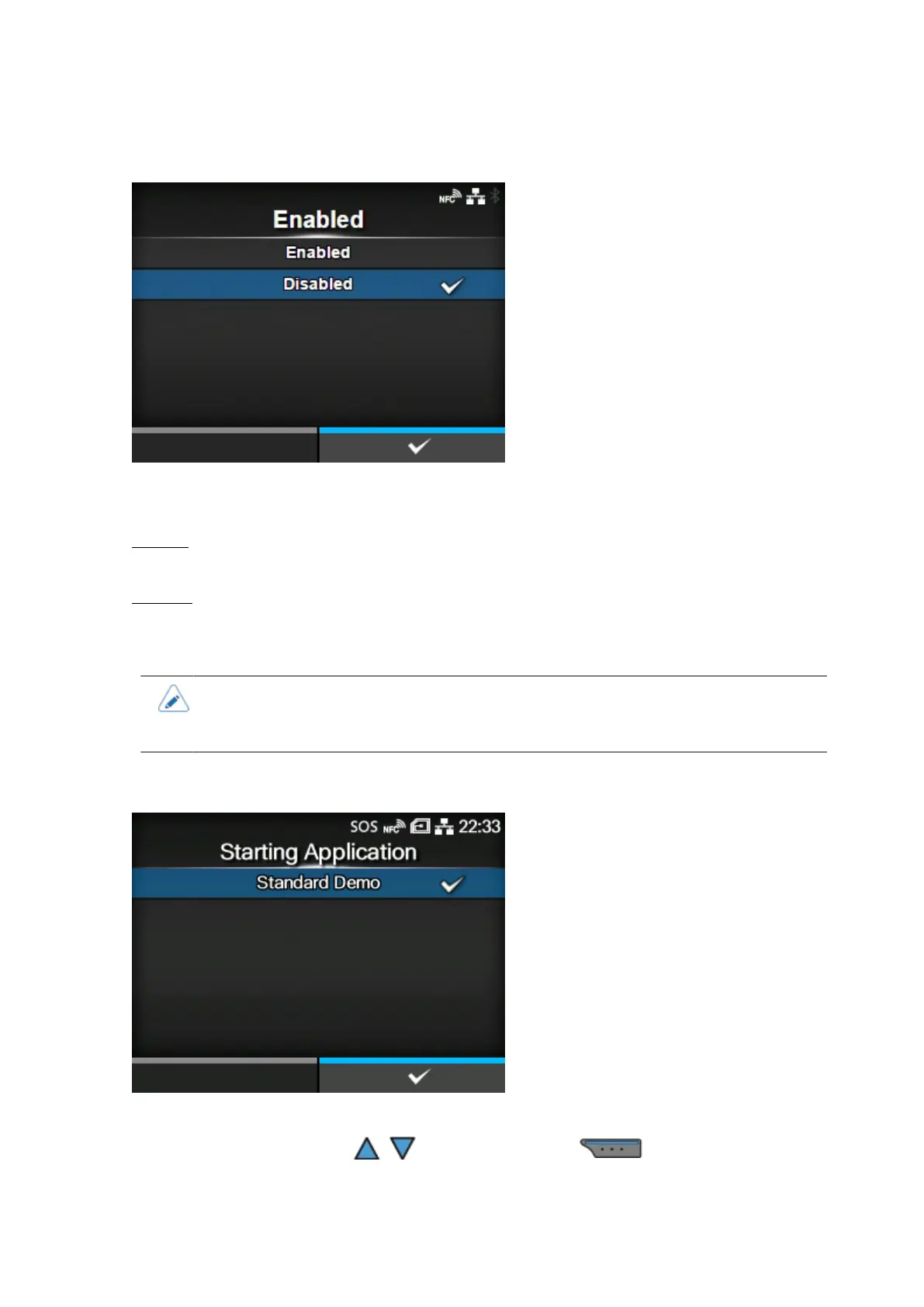
[Enable]
Enable or disable AEP (Application Enabled Printing) mode.
The options are as follows:
Enabled
Enable AEP mode.
Disabled
Disable AEP mode.
• A message prompting you to restart the product will appear on the Online/Offline
screen if you have made any changes. In such a case, reboot the product to apply the
settings.
[Starting Application]
Select the application to start at product startup in AEP (Application Enabled Printing) mode.
Select the application using the / buttons and press the button to confirm.



 To Next Page