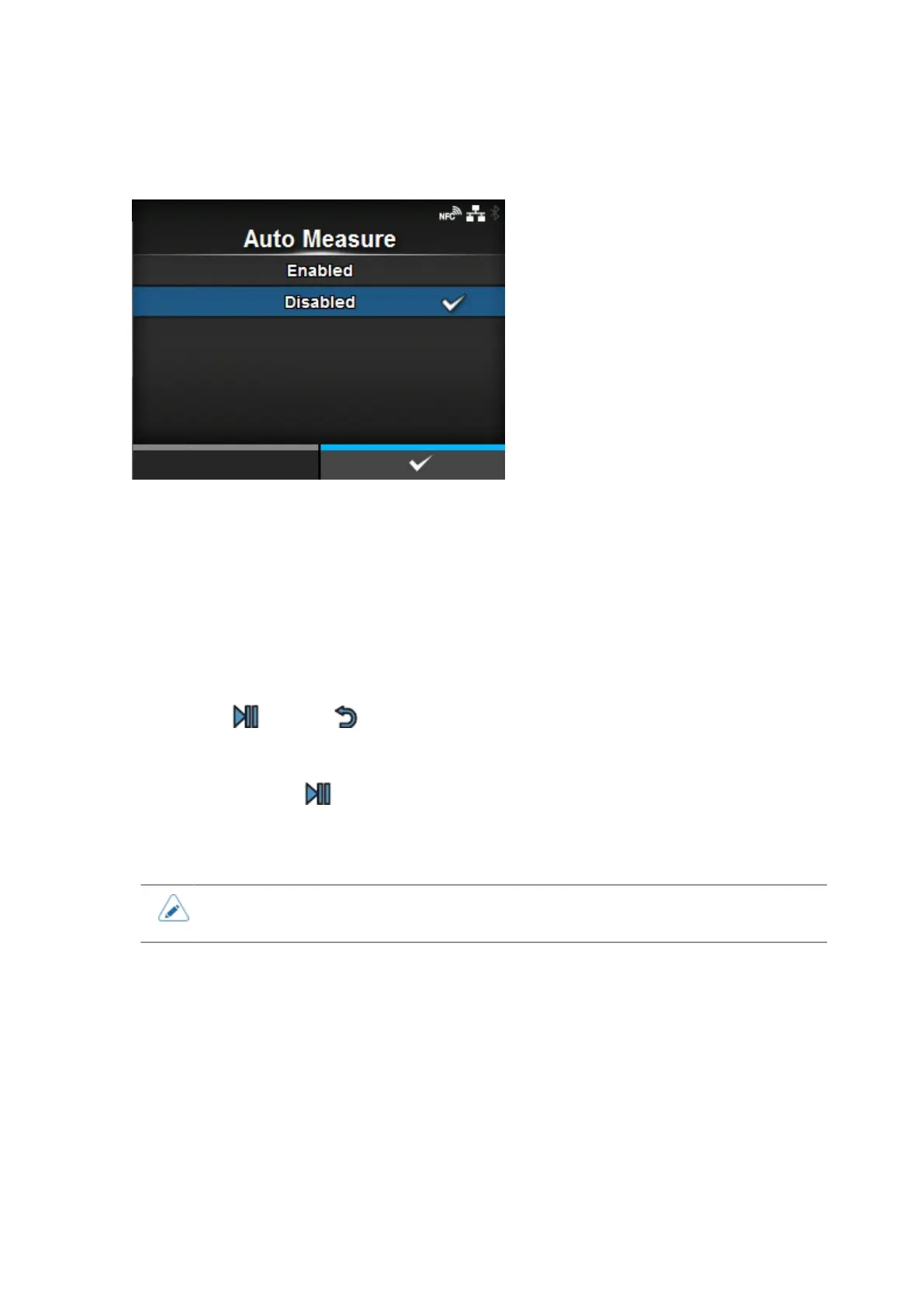
[Auto Measure]
208
[Auto Measure]
The product automatically measures the length of the media.
The measured length of the media will be automatically saved in [Label Length].
The Auto Measure function can be performed when [Sensor Type] is set to [Gap] or [I-Mark].
The setting procedure of the label length using the Auto Measure function is as follows:
1. Load the media.
2. Set [Auto Measure] to [Enabled].
3.
Press the button or button to show the Online or Offline screen.
4. Open the print head. (Head Open error occurs.)
5. Close the print head. (The display returns to Offline screen.)
6.
When you press the button, the product feeds two pieces of label and measures the label
length.
7. The measured label length is saved in [Label Length].
• When you have set [Auto Measure] to [Enabled], this function executes when the
product powers on.



 To Next Page