633
Enabling the Barcode Check
Selecting the Barcode Check Mode
The barcode check function has a readable mode and a comparison mode. You can switch the mode
or disable the function from the product's [Settings] menu.
1.
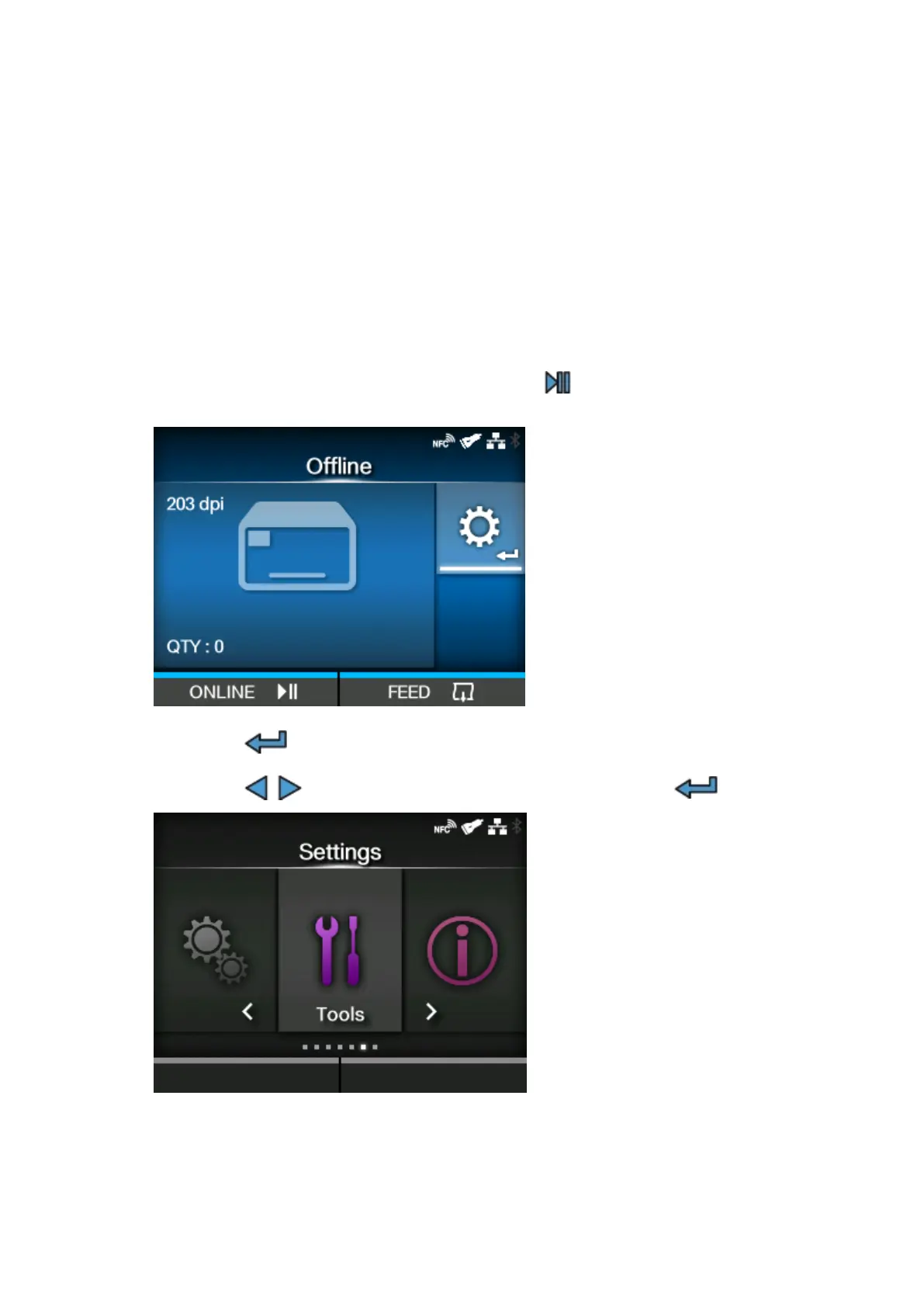
When the product is in Online mode, press the button on the operator panel to
change to Offline mode.
2.
Press the button to show the [Settings] menu.
3.
Press the / buttons to select [Tools], and then press the button.



 To Next Page