Selecting the Barcode Check Mode
634
4.
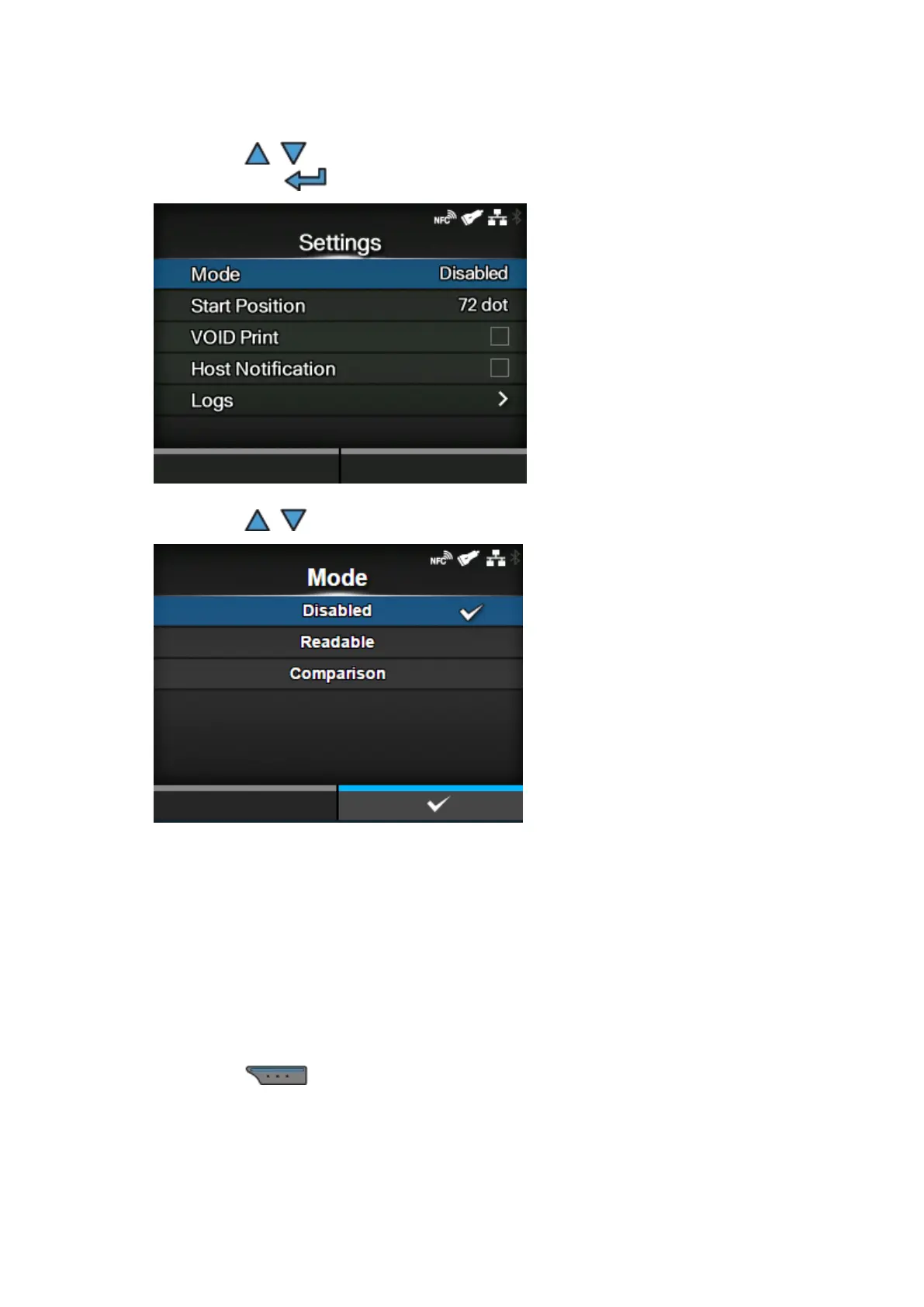
Press the / buttons to select [Barcode Checker] > [Settings] > [Mode], and
then press the button.
5.
Press the / buttons to select the mode for the barcode check function.
[Disabled]
Disable the barcode check function.
[Readable]
Enable readable mode.
[Comparison]
Enable comparison mode. This mode is for barcodes created by barcode commands.
6.
Press the button to save the setting value.



 To Next Page