[Darkness Range]
218
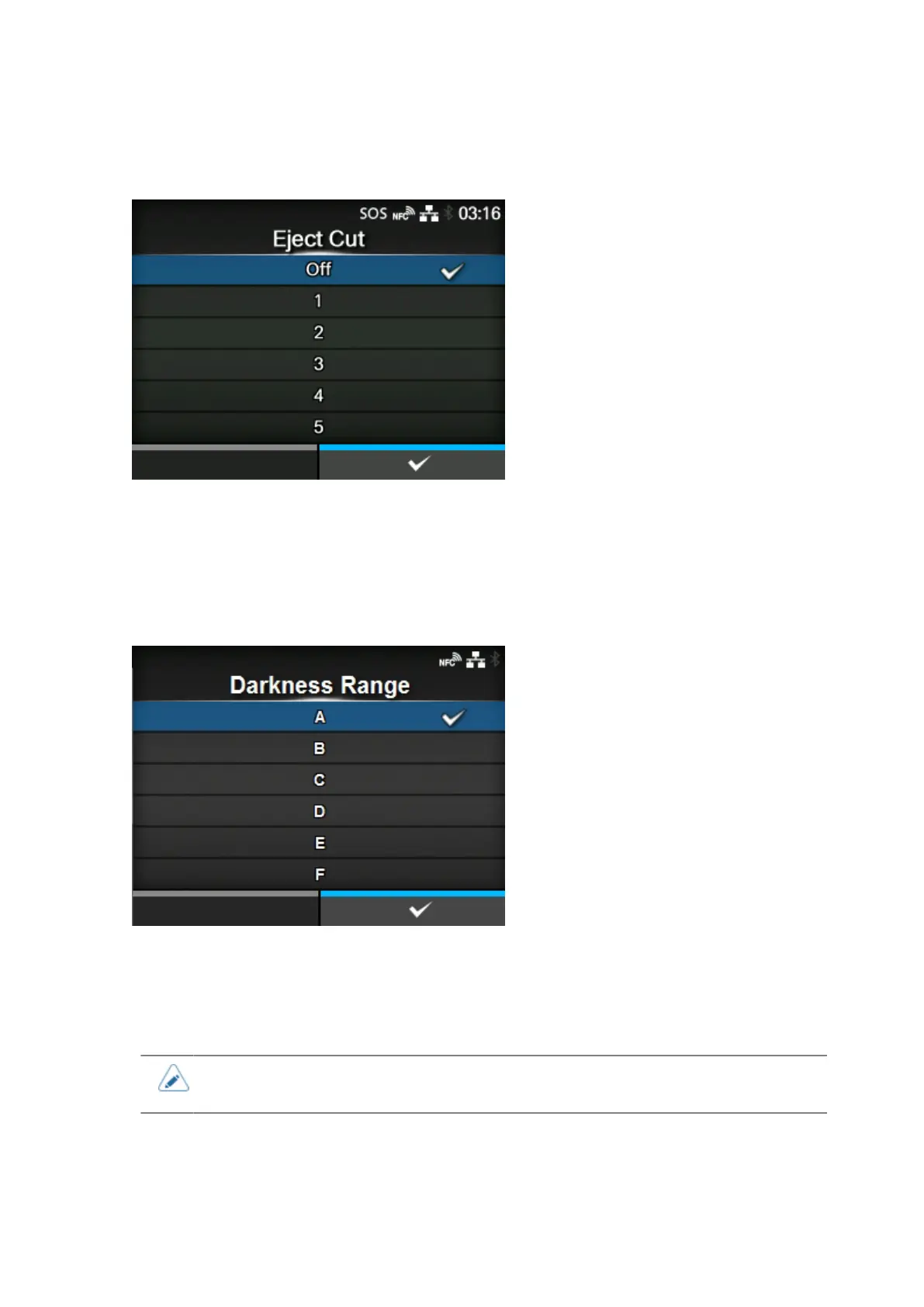
[Eject Cut]
Set the Eject cut motion for the last printed media. Cut the last media after the specified timing.
Appears if you have selected [Cut & Print] in the [Print Mode] menu.
The setting range is Off, or from 1 to 5 (sec).
[Darkness Range]
Set the range of the print darkness.
The darkness range affects the print darkness.
The options are as follows:
A, B, C, D, E, F
• The normal setting is A. You can also select B to F but the print darkness does not
change.



 To Next Page