Operations When Errors Occur
40
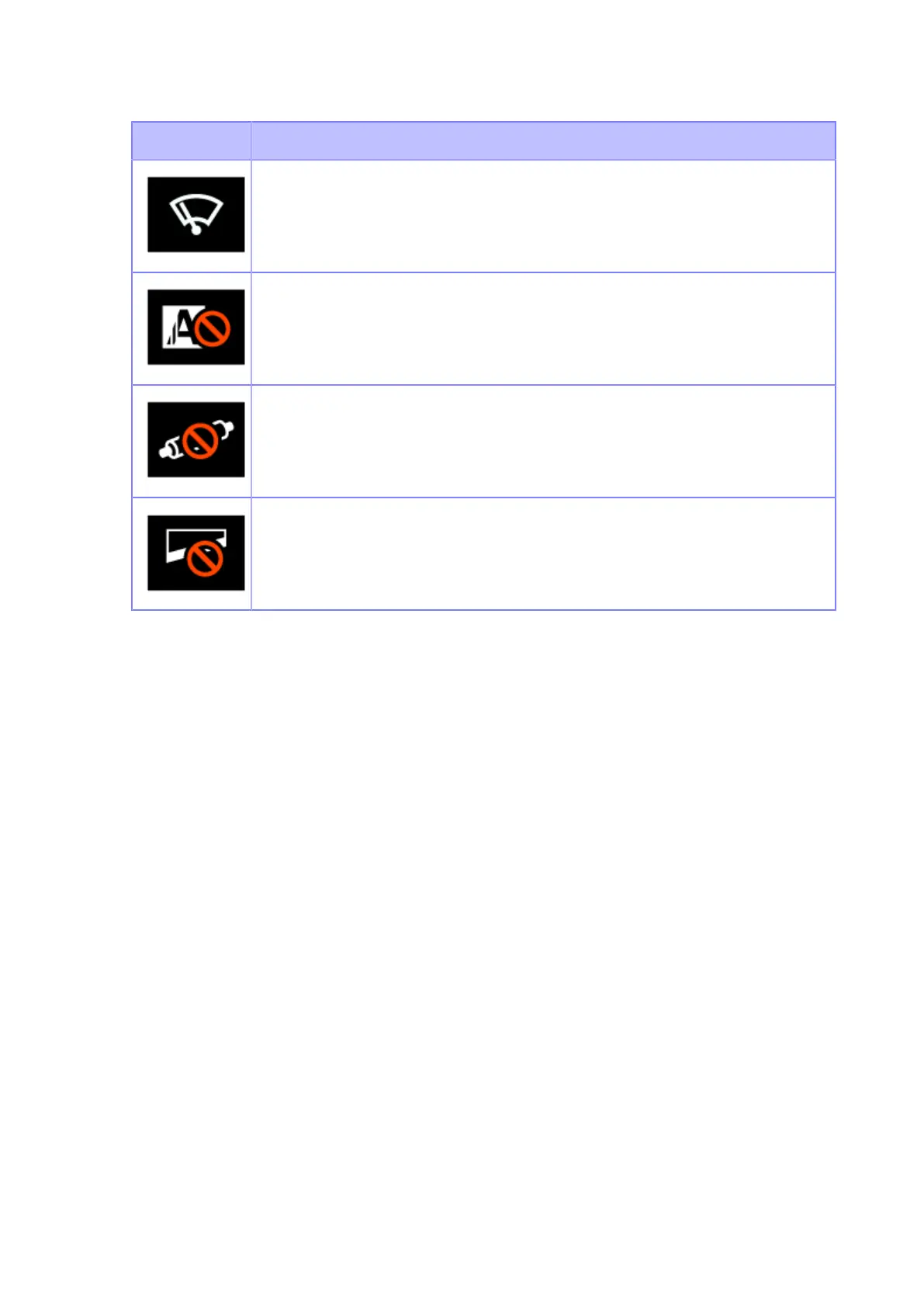
Icon Description
Clean the print head or platen roller.
Replace the print head.
Replace the platen roller.
Replace the cutter unit.
Operations When Errors Occur
When a product error occurs, an icon and message (the error and solution) for the error appear on the
display. When an error occurs, you can perform the following operations:
• Change to Offline mode.
• Cancel the error.
• Feed the media.
• Change to Settings mode.
• Change to guidance video.
• Change to the SOS error screen on which the QR code and phone number are displayed if the
SOS (SATO Online Services) is enabled.



 To Next Page