55
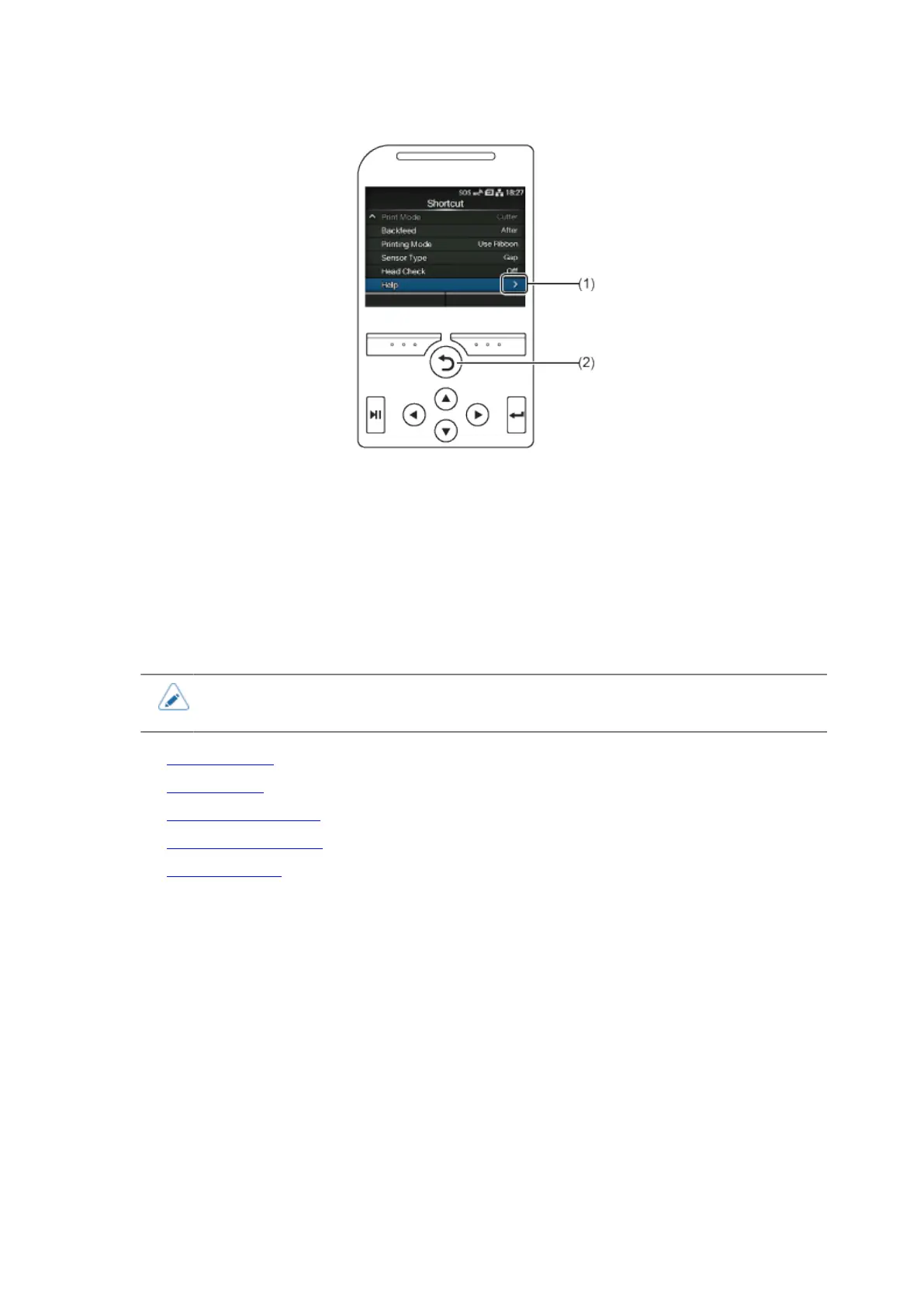
(1) There are more items in the next layer.
(2) Return to the previous screen.
Setting Value Input or Selection
This topic describes the character and number input on the setting screen and how to select an item
from the list.
• You can also input characters and numbers from a USB keyboard by connecting it to
the product.
• Character Input
• Numeric Input
• Selection from the List
• Selection from the Box
• IP Address Input



 To Next Page