Installing the Printer Driver (IEEE1284)
140
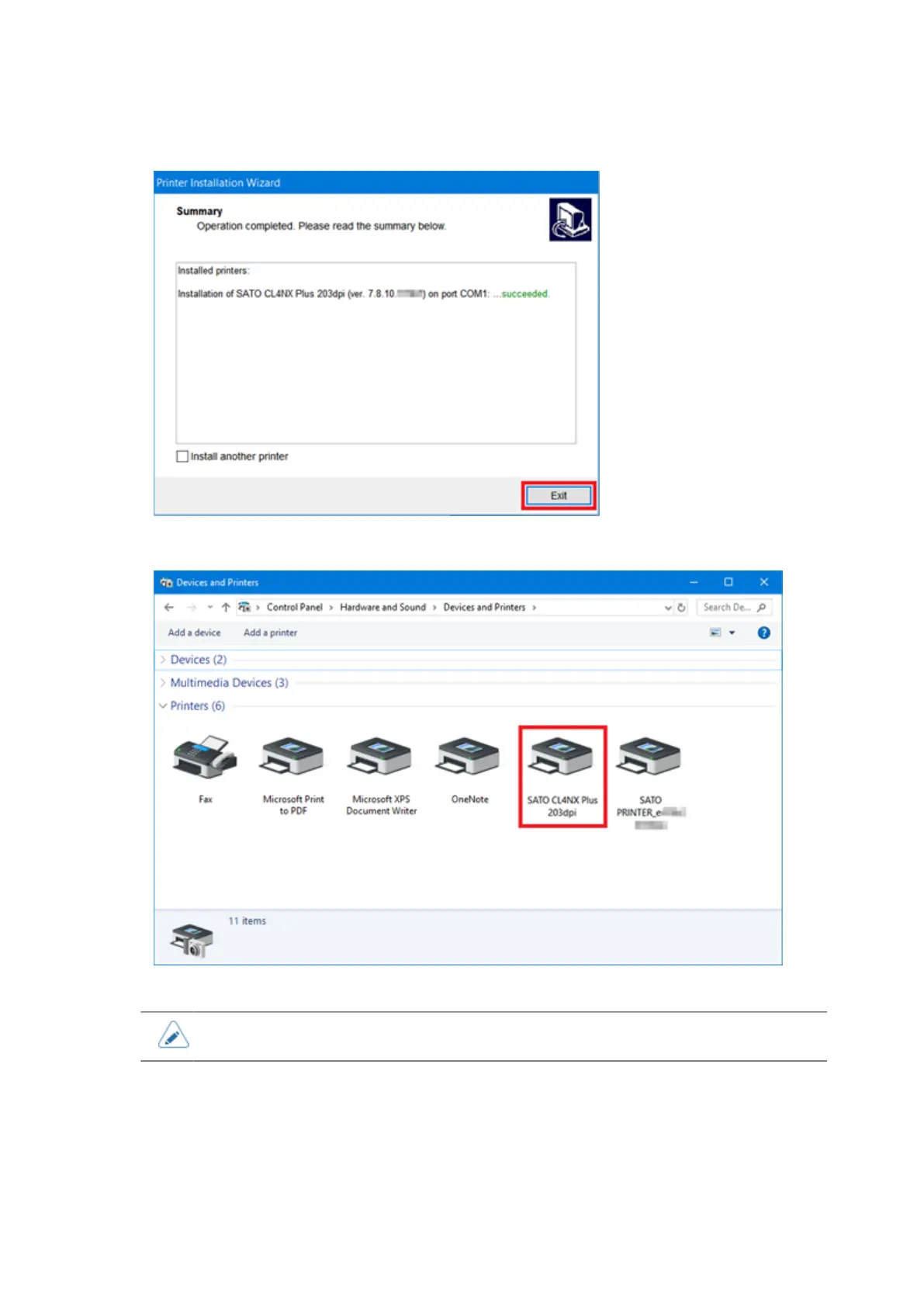
14. Click [Exit] to complete the installation.
15. Open [Devices and Printers] and confirm that the printer driver is installed.
• The settings of the printer driver should be performed by the Administrator Privilege.
Installing the Printer Driver (IEEE1284)
When the computer is connected to the Internet, the printer driver is automatically installed after
connecting the IEEE1284 compliant cable between the computer and the product and powering on the
product.



 To Next Page