[Notifications]
446
Set whether to display the [Language] icon on the top screen of the [Settings] menu.
The options are as follows:
Enabled
Display the [Language] icon.
Disabled
Do not display the [Language] icon.
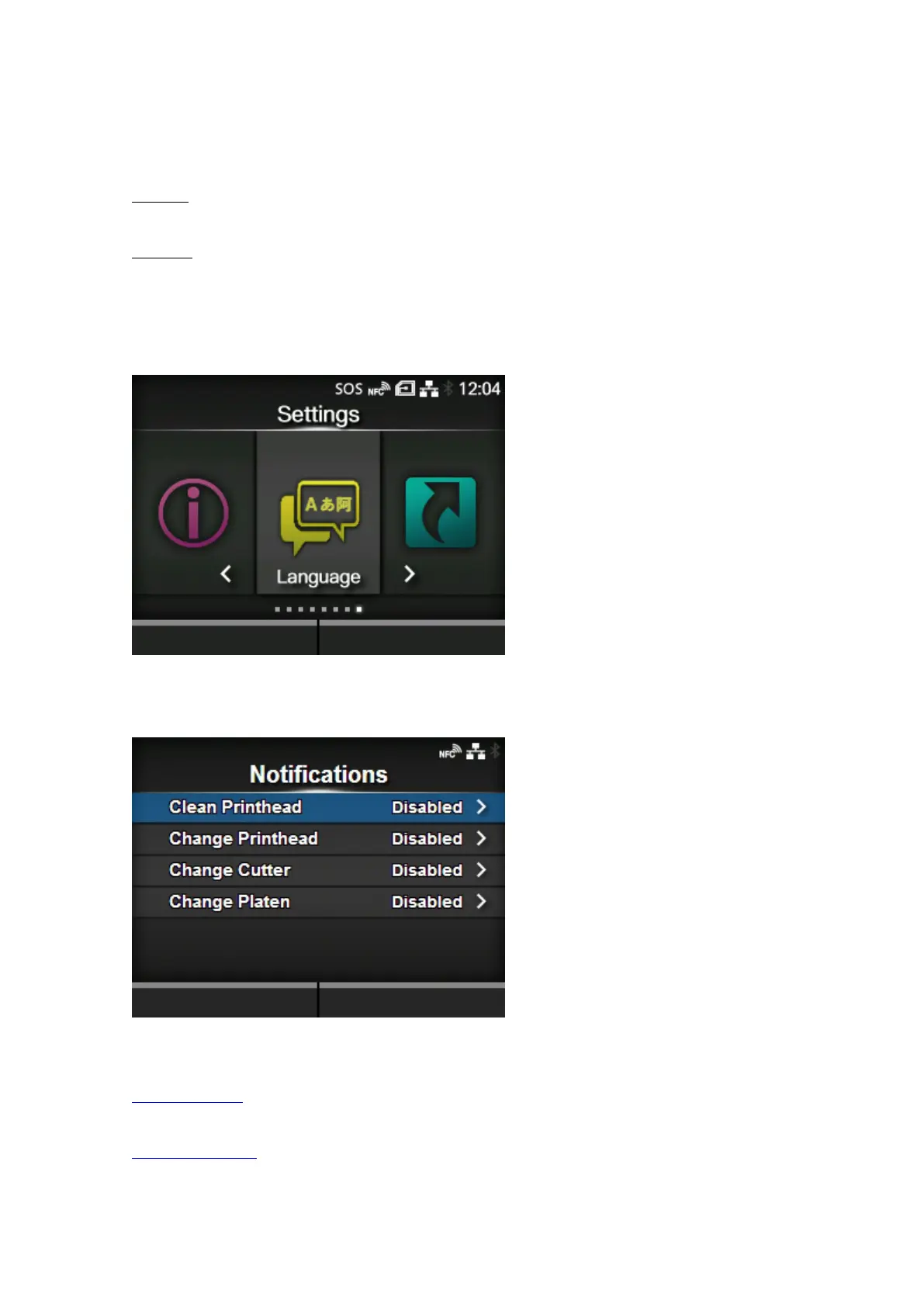
If this function is enabled, the [Language] icon is added to the [Settings] menu screen as below. You
can directly access the display language setting screen.
[Notifications]
Set the function to notify when to clean and replace parts.
The setting items are as follows:
Clean Printhead
Notify when the print head needs to be cleaned.
Change Printhead
Notify when the print head needs to be replaced.



 To Next Page