435
The options are as follows:
Internal RAM
Use the product's internal RAM. The data will be lost if the product is powered off.
Internal FLASH
Use the product's internal ROM.
Front USB
Use the USB memory connected to the USB connector (Type A) on the front side of the product.
Rear USB
Use the USB memory connected to the USB connector (Type A) on the rear side of the product.
• Be sure to perform a virus check on the USB memory before connecting it to the
product. SATO Corporation cannot be held responsible for any product malfunctions
caused by a virus spread via USB memory.
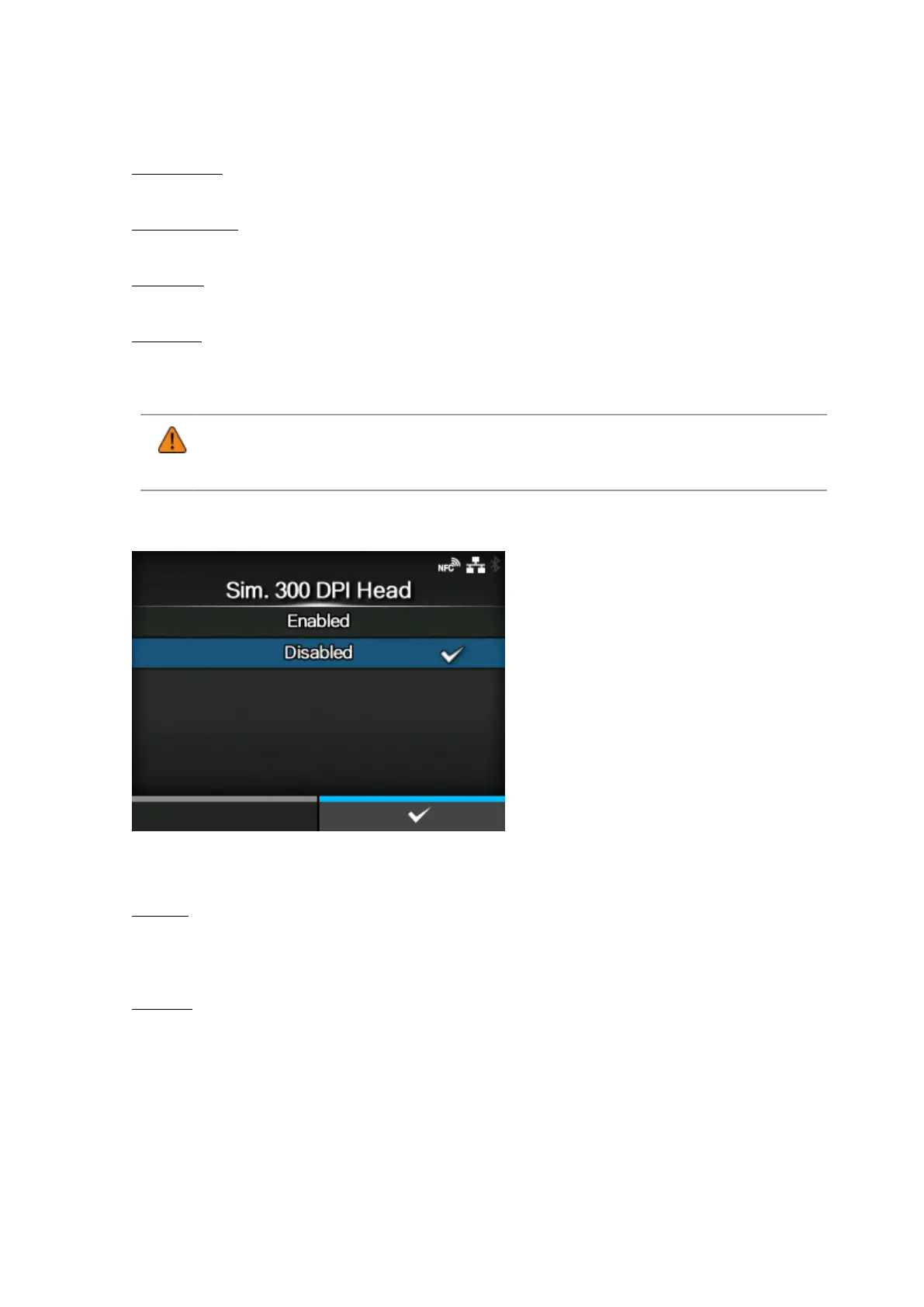
[Sim. 300 DPI Head]
When you are using the product with 305 dpi resolution, enable or disable 300 dpi simulation mode.
The options are as follows:
Enabled
Enable 300 dpi simulation mode. The sizes and positions of objects such as lines, boxes and
barcodes in the print data are automatically adjusted to the equivalent 300 dpi sizes and positions
for printing.
Disabled
Disable 300 dpi simulation mode.



 To Next Page