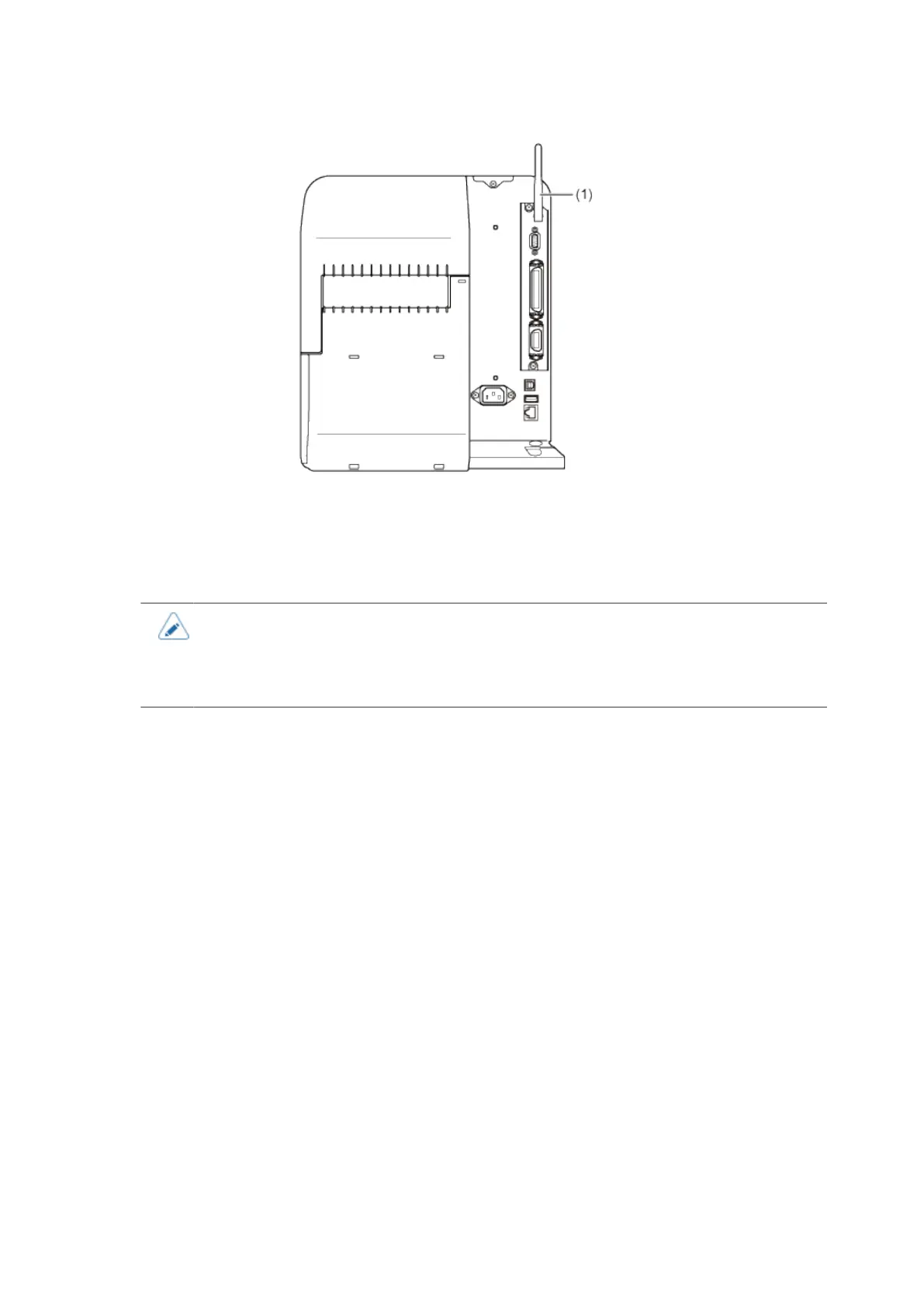
Wireless LAN Interface Connection (Optional)
108
The printer driver performs data communication using the dedicated SOCKET interfaces.
The communication condition settings must be configured according to your network environment. Set
the IP address of the product.
The IP address of the product can be set through the product's [Interface] menu or the All-In-One Tool.
• To use the printer driver, the communication protocol must be set to Status4. (The
initial value for the communication protocol for the product's wireless LAN interface is
Status4 ENQ.)
• The product does not support Atheros, SuperG, or XR functions.



 To Next Page