Installing the Printer Driver (Bluetooth)
128
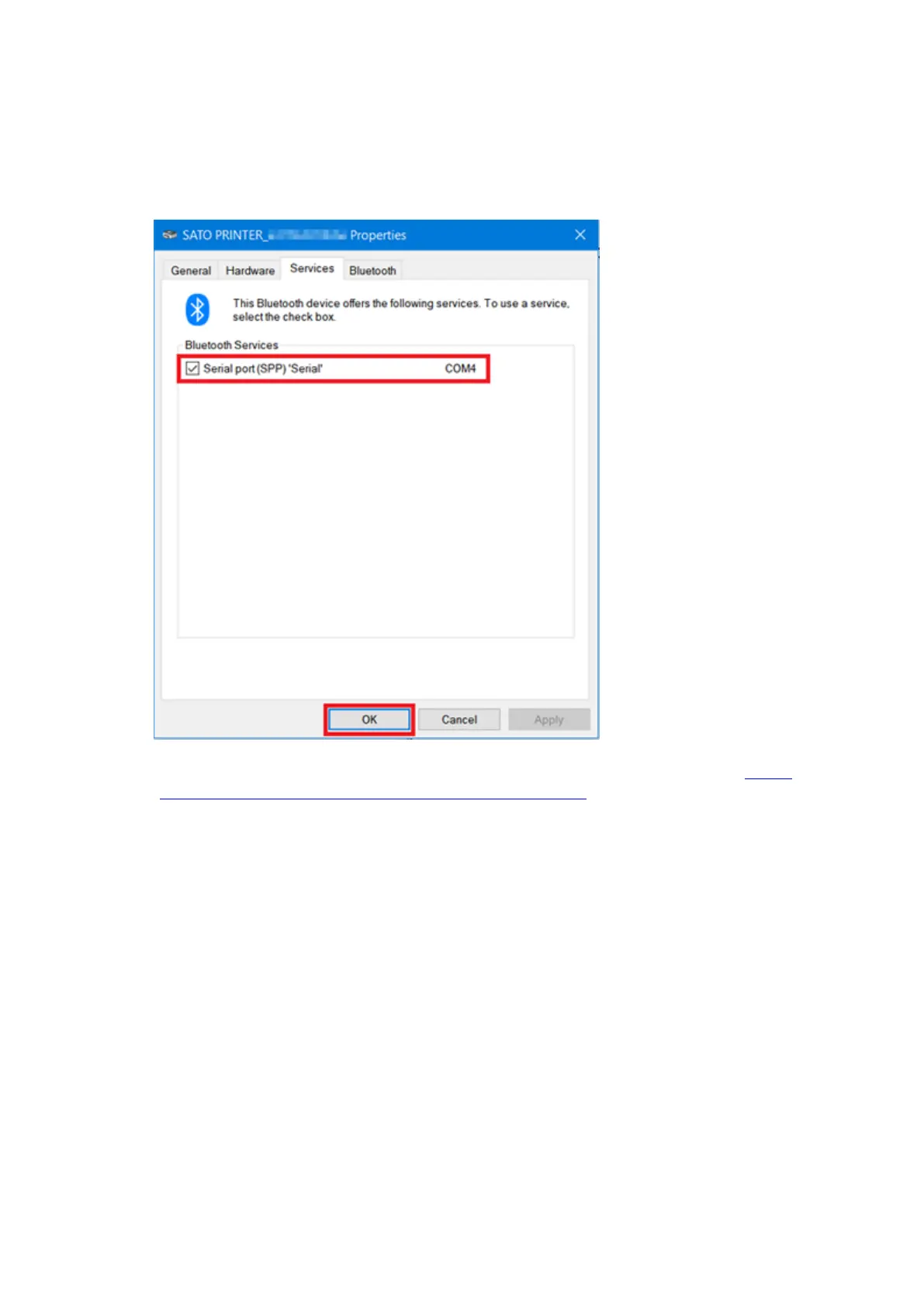
8. Confirm the port assigned as the [Serial port (SPP)] in the [Services] tab, and click
[OK].
Note down this information as it will be necessary for the printer driver installation.
9. Download the printer driver from the SATO printer driver download site. http://
www.satoworldwide.com/software/gallerydriver.aspx
10. Extract the downloaded compressed file of the printer driver.
11. Execute PrnInst.exe to start the installer.
12. If a user account control message appears, click [Yes] or [Continue].



 To Next Page