Installing the Printer Driver (IEEE1284)
146
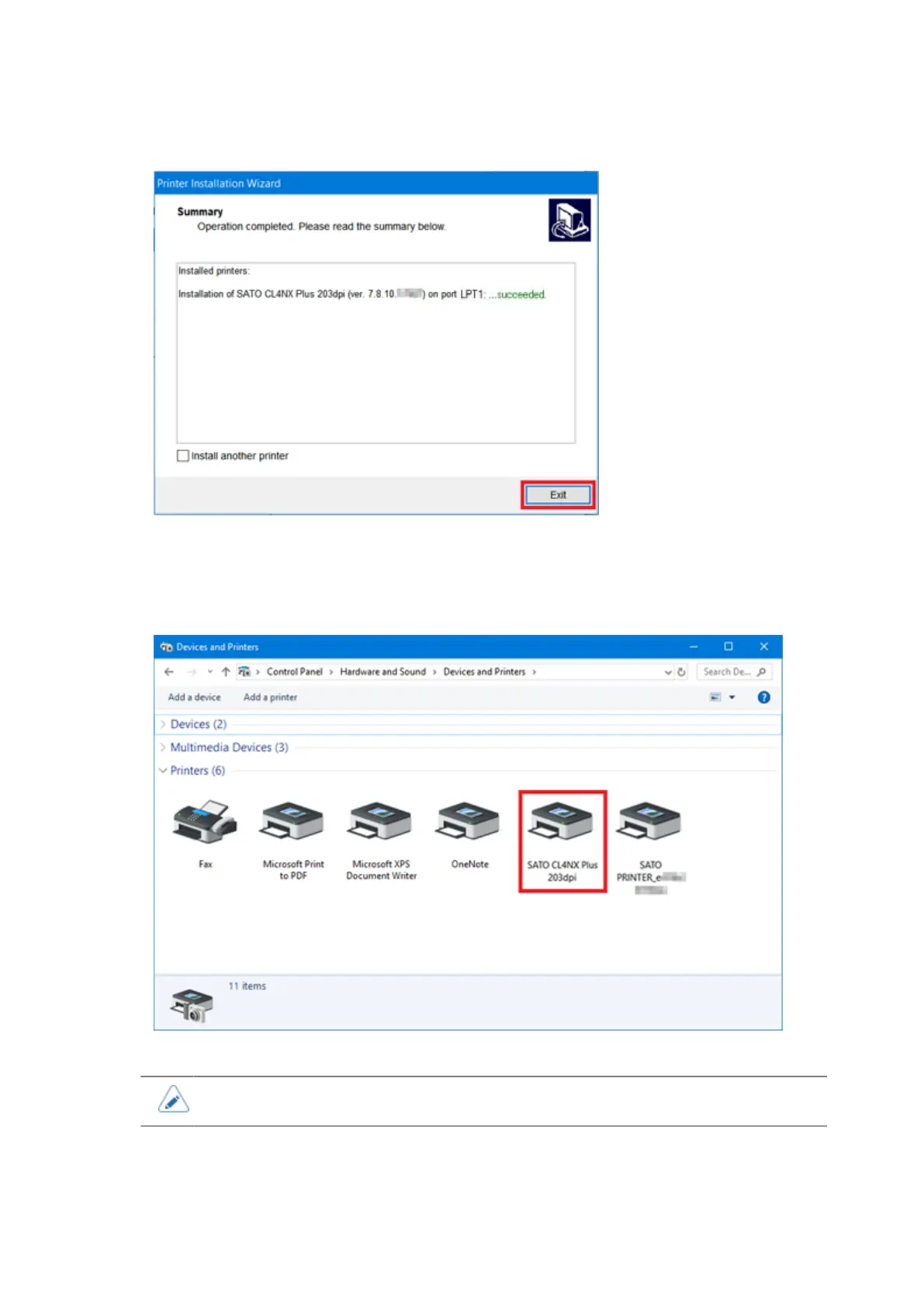
14. Click [Exit] to complete the installation.
15. Power on the product.
Windows' Plug & Play runs.
16. Open [Devices and Printers] and confirm that the printer driver is installed.
• The settings of the printer driver should be performed by the Administrator Privilege.



 To Next Page