229
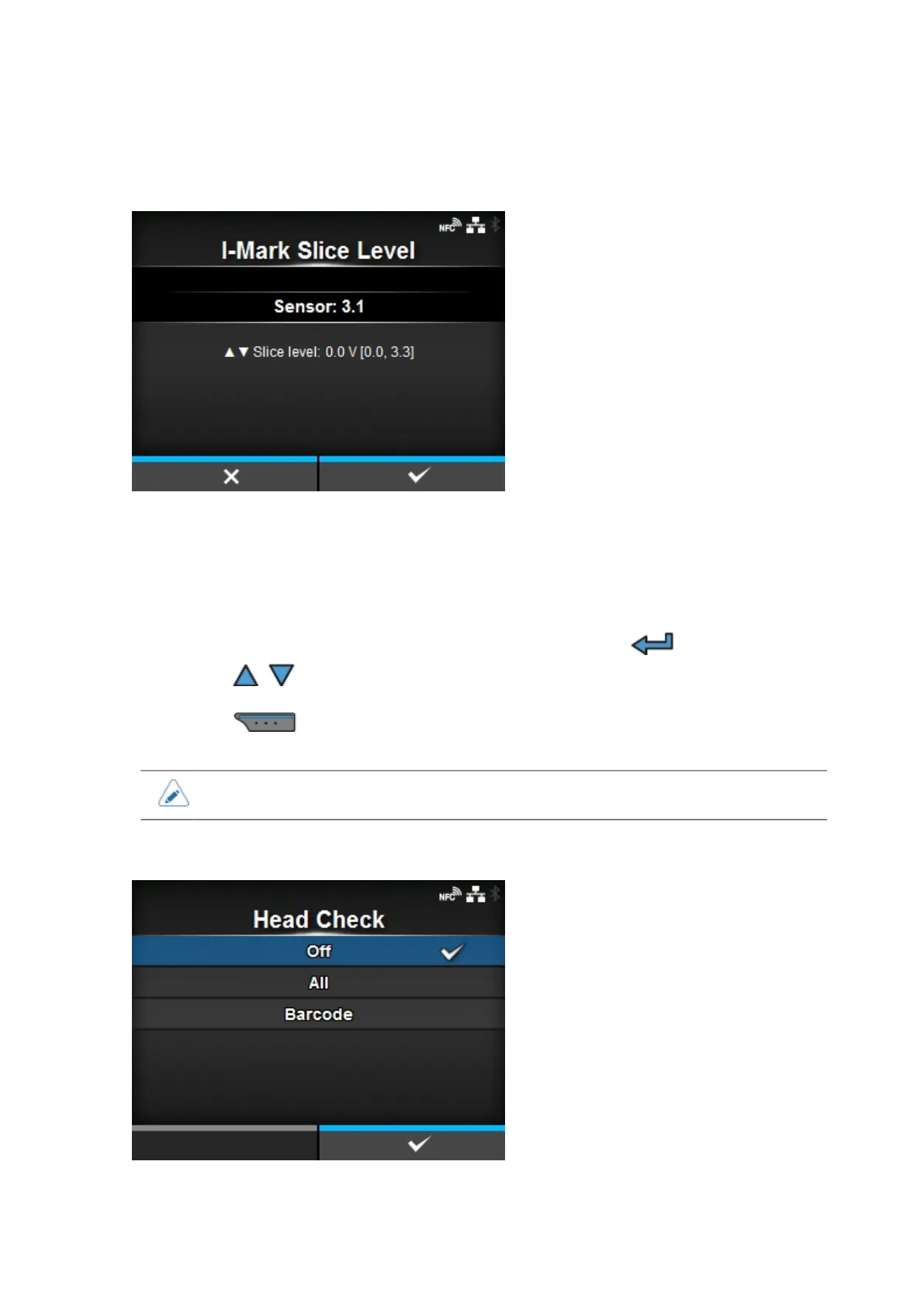
[I-Mark Slice Level]
Set the I-mark sensor slice level.
The setting procedure is as follows:
1. Use the following formula to calculate the slice level:
(High level - Low level) x 0.7 + Low level = slice level
2.
Select the [I-Mark Slice Level] in the [Calibrate] menu and press the button.
3.
Press the / buttons to change the [Slice level] value. Set the [Slice level] to the slice level
calculated in step 1.
4.
Press the button to confirm the value.
• If you set the [Slice level] to 0.0 (V), the product sets the slice level automatically.
[Head Check]
Automatically check if there is a broken element of the print head.



 To Next Page