241
Enabled
Enable the reprint function.
Disabled
Disable the reprint function.
If you have selected [Enabled] in [Reprint], you can press the button ([REPRINT]) on the
Online screen to print the previous data again.
• The previous data will be lost if you power off the product.
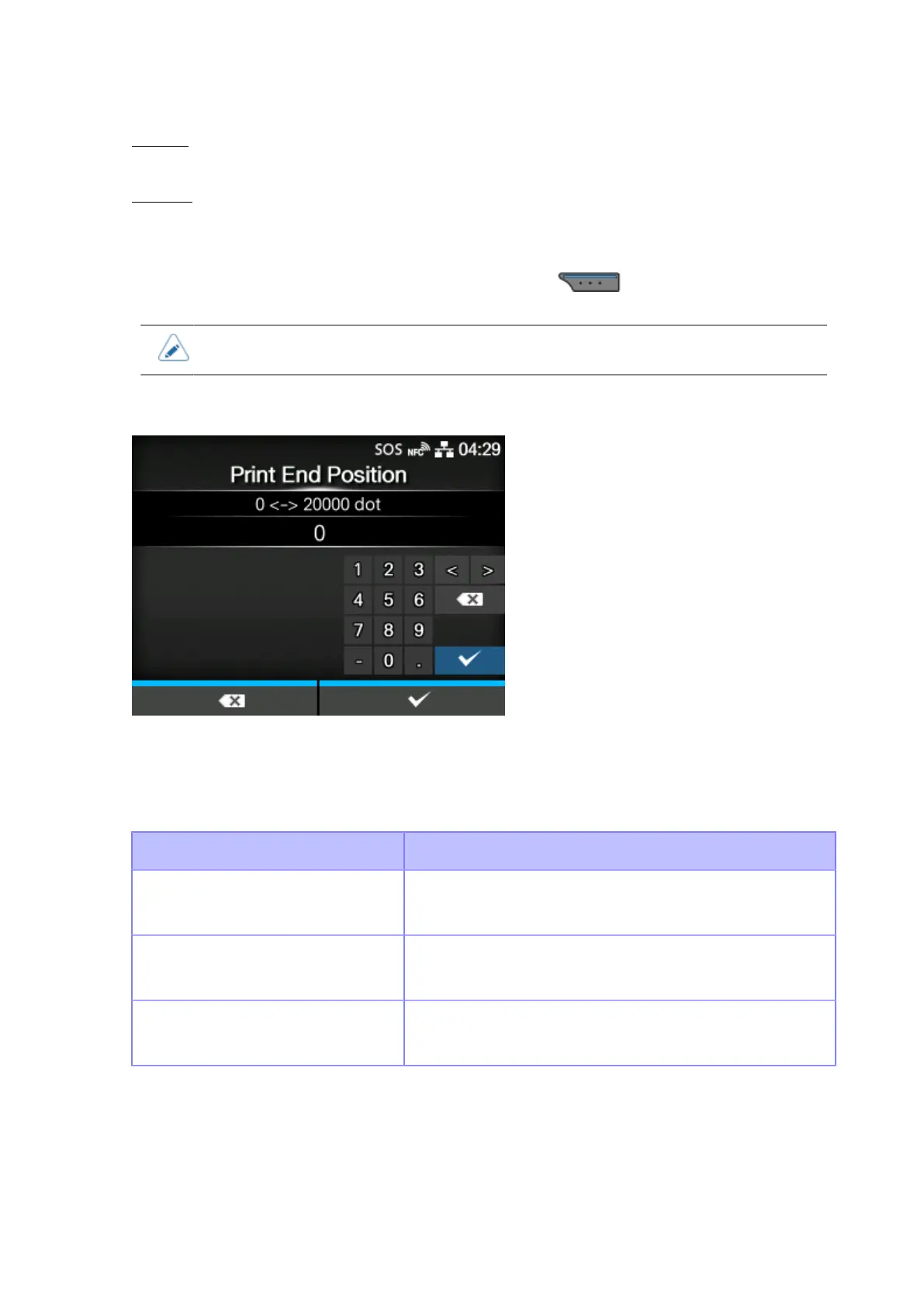
[Print End Position]
Adjust the media stop position or cut position when the [Sensor Type] is set to [None]. This adjustment
also sets the blank amount from the media stop position.
The setting range varies depending on the print resolution of the product.
The setting range is as follows:
Resolution CL4NX Plus
203 dpi
(1 dot = 0.125 mm (0.0049"))
0 to 20000 dots
305 dpi
(1 dot = 0.083 mm (0.0033"))
0 to 18000 dots
609 dpi
(1 dot = 0.042 mm (0.0017"))
0 to 9600 dots



 To Next Page