251
•
After doing the settings, press the button to enable the new settings. Press
the button to cancel the new settings and return to the previous settings.
• You cannot change [IP Address], [Prefix Length], [Gateway], or [DNS] if [Mode] is
anything other than [Static].
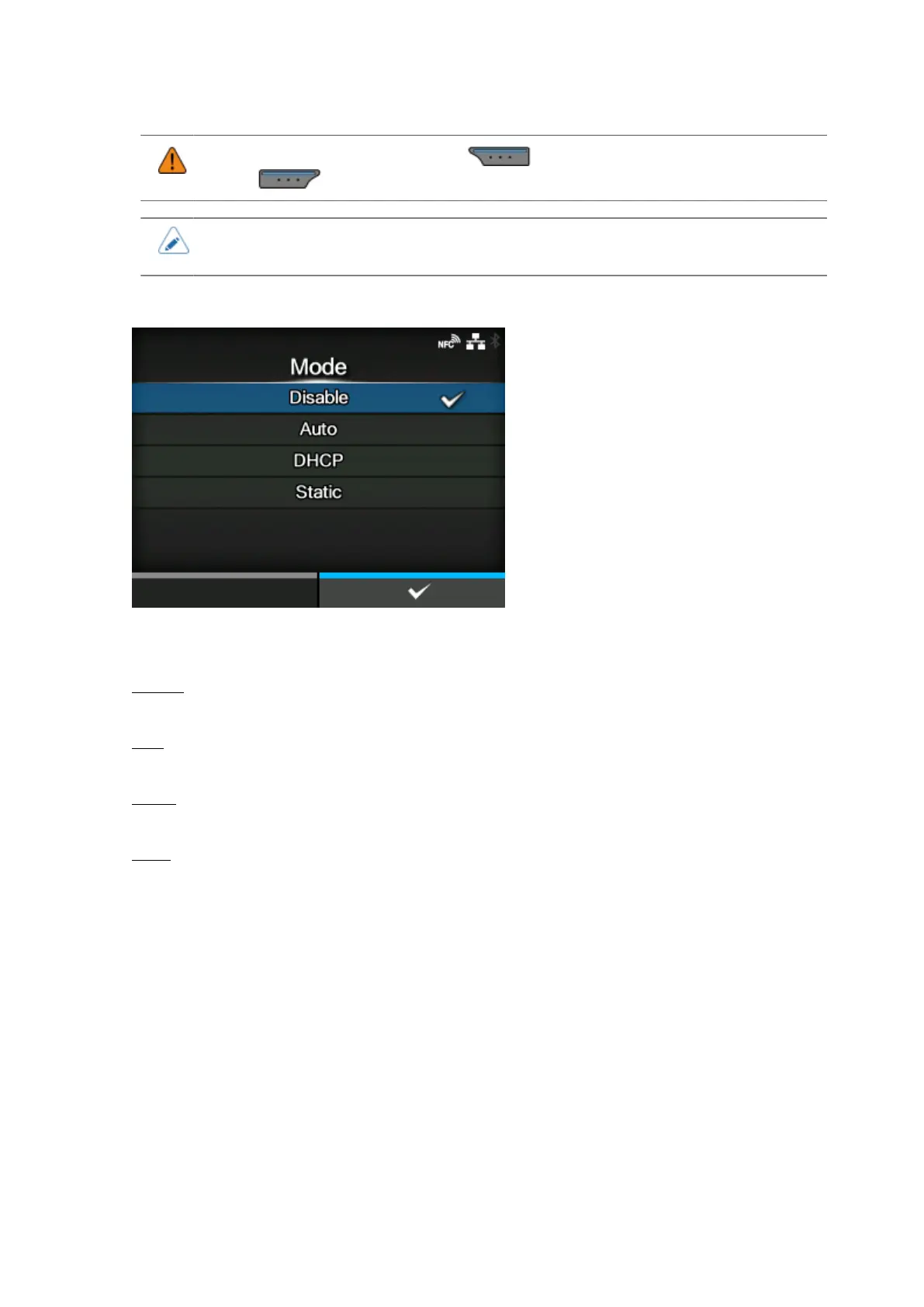
[Mode]
Select the IP address assignment method or disable IPv6.
The options are as follows:
Disable
Disable IPv6.
Auto
Automatically generate the IP address and gateway (stateless mode).
DHCP
Automatically retrieve the IP address and gateway from the DHCP server (stateful mode).
Static
Manually set the IP address, gateway and prefix length.



 To Next Page