[Network]
260
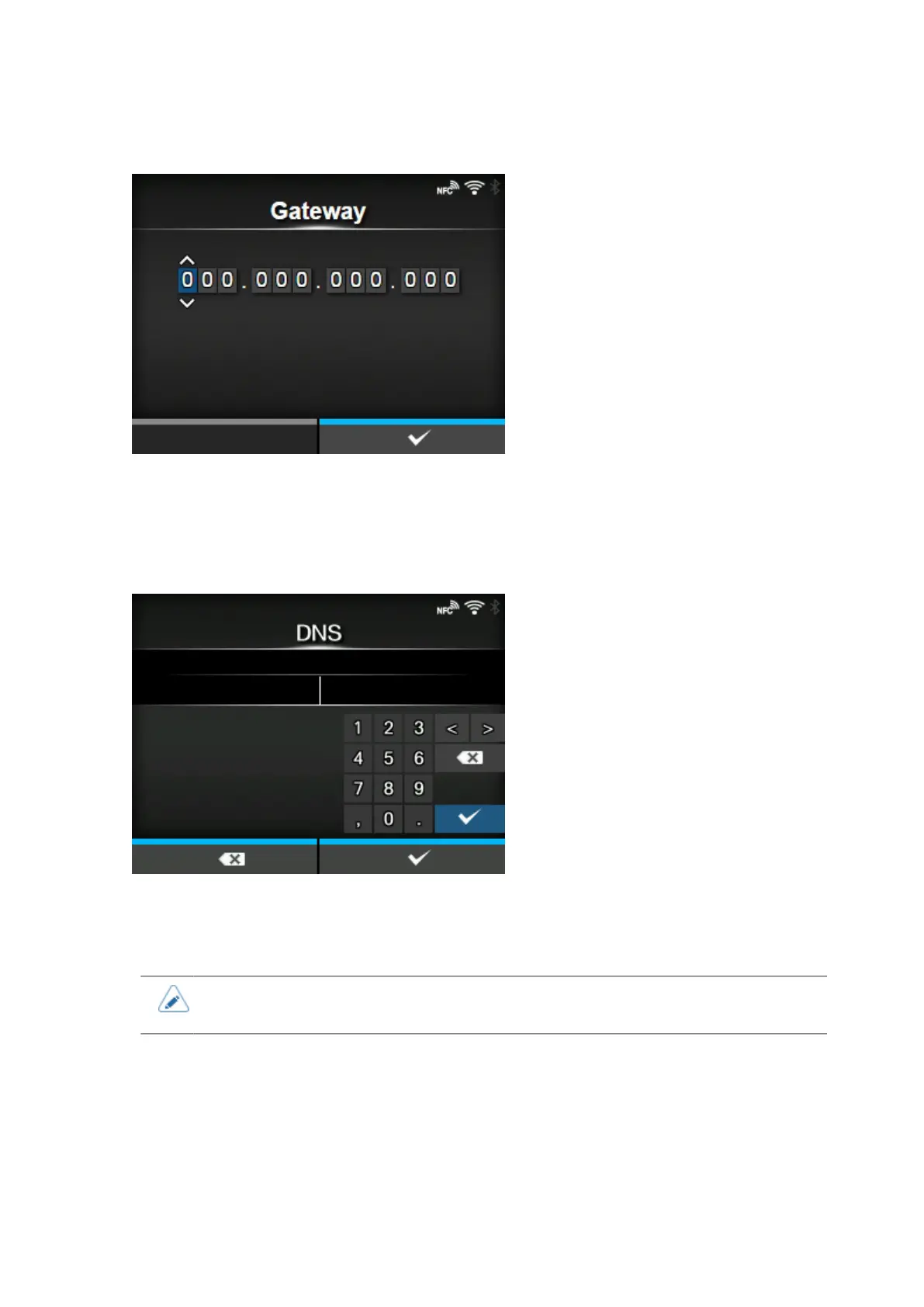
[Gateway]
If you have selected [Static] in the [Mode] menu, set the default gateway address.
The setting range is as follows:
000.000.000.000 to 255.255.255.255
[DNS]
If you have selected [Static] in the [Mode] menu, set and check DNS server addresses.
The setting range is as follows:
000.000.000.000 to 255.255.255.255
• You can register up to three IP addresses for the DNS server. Use a comma to delimit
different IP addresses.



 To Next Page