[Network]
298
Enabled
Enable the FTP function.
Disabled
Disable the FTP function.
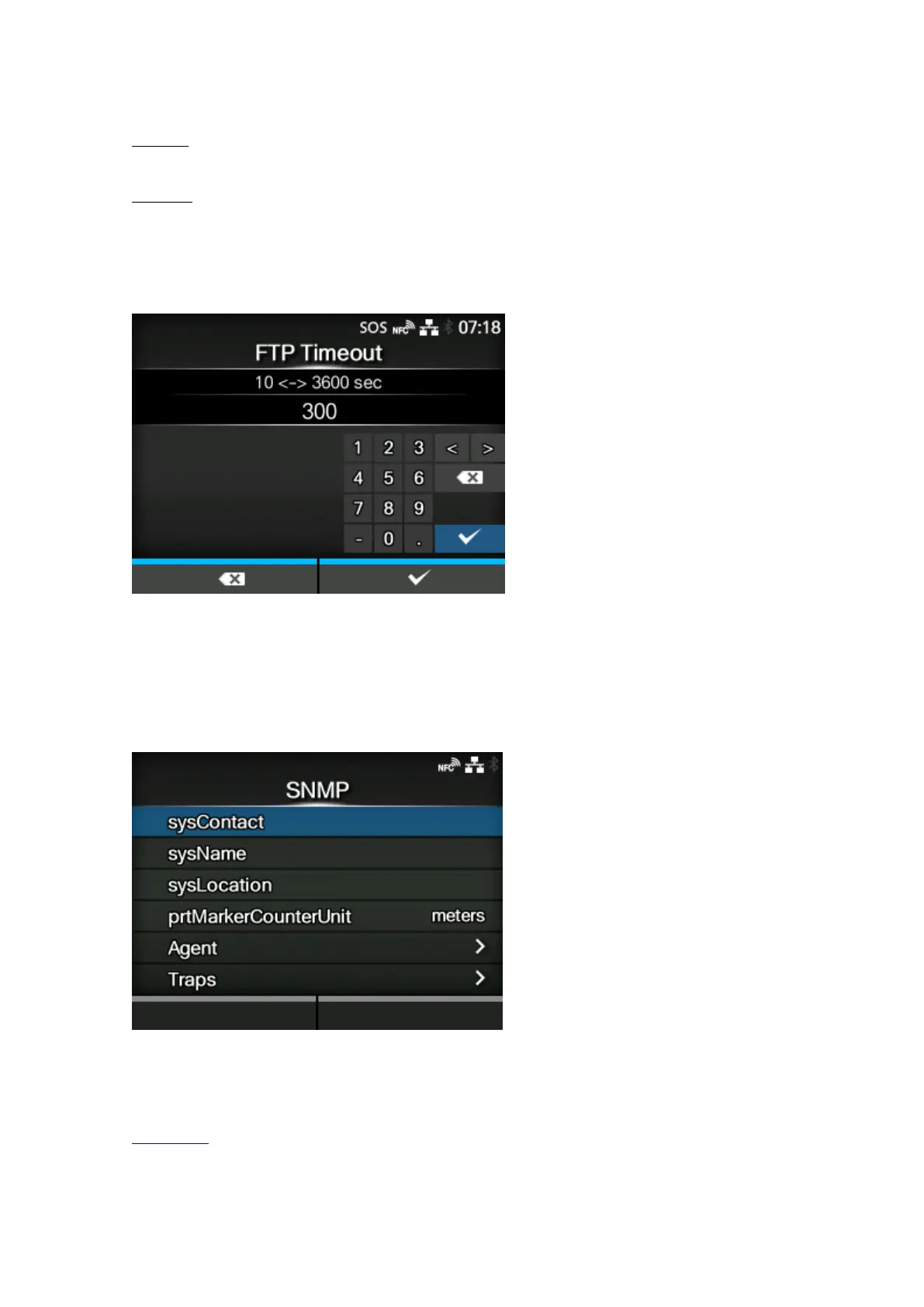
[FTP Timeout]
Set the connection timeout period between the product's FTP server and clients.
Specify the maximum number of seconds that the product's FTP server will allow clients to stay
connected without receiving any data on either the control or data connection.
The setting range is from 10 to 3600 seconds.
[SNMP]
Set the functions for SNMP.
The SNMP function enables you to monitor and manage a UDP/IP based network.
The setting items are as follows:
sysContact
Set the contact information.



 To Next Page