[Network]
318
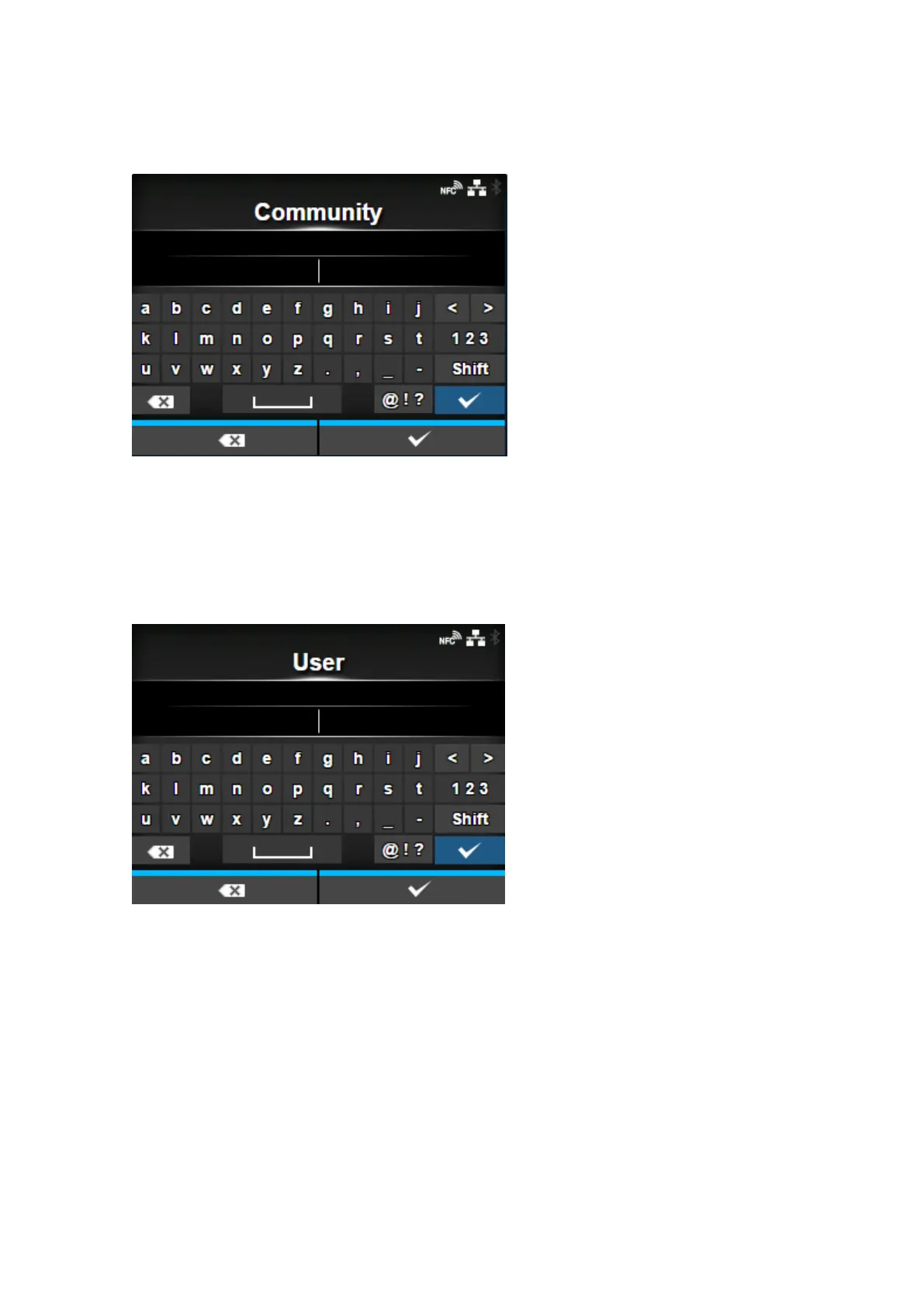
[Community]
Set the Traps community name.
Appears only if you have selected [1] or [2c] in the [SNMP Version] menu.
You can enter 1 to 32 characters. Alphabets, numbers and symbols can be used.
Initial setting: trapcom
[User]
Set the Traps user name.
Appears only if you have selected [3] in the [SNMP Version] menu.
You can enter 1 to 32 characters. Alphabets, numbers and symbols can be used.
Initial setting: trapuser


 To Next Page
 Loading...













