[Network]
320
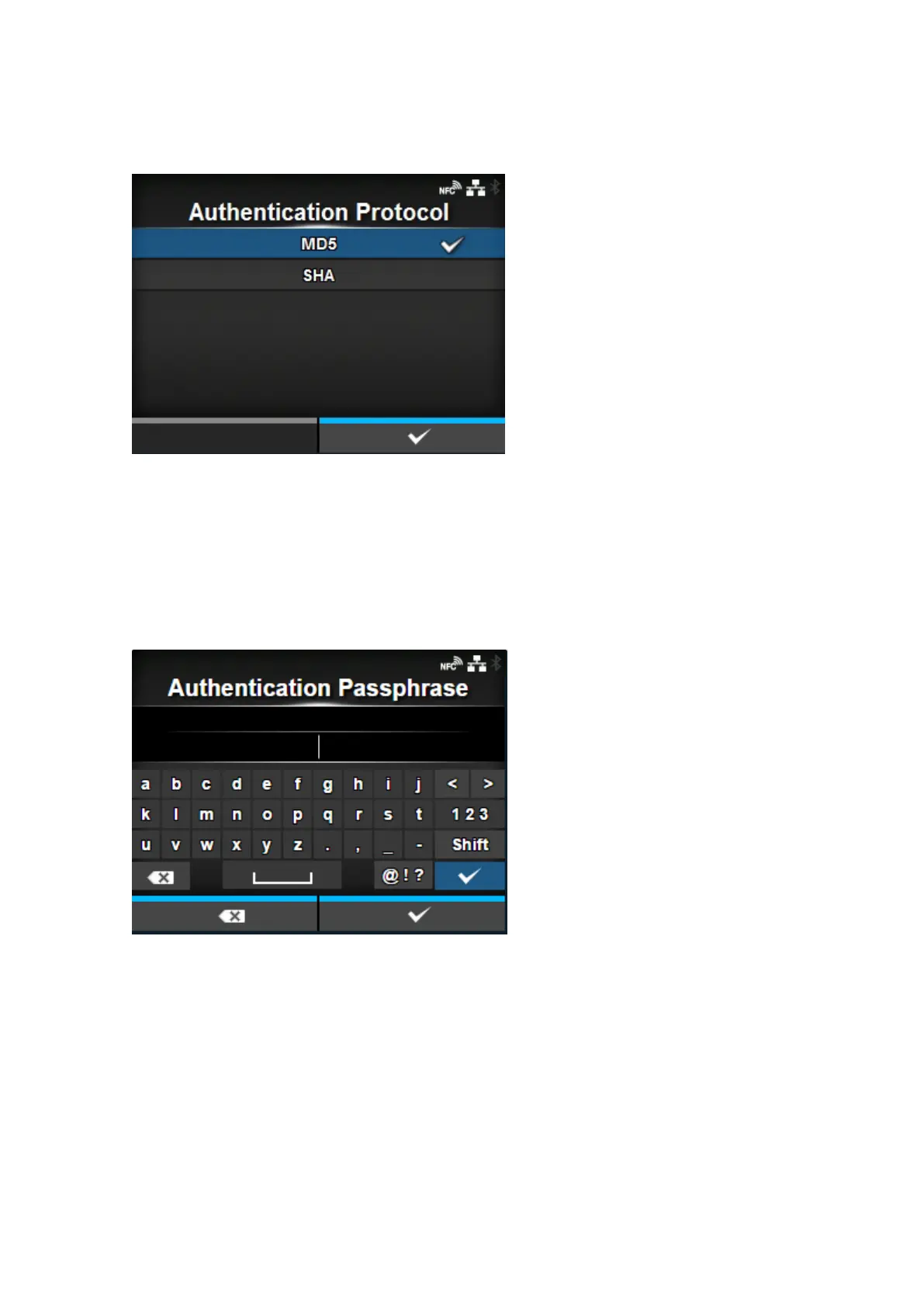
[Authentication Protocol]
Set the authentication protocol.
Appears only if you have selected [Authentication] or [Privacy] in the [Security] menu.
The options are as follows:
• [MD5]
• [SHA]
[Authentication Passphrase]
Set the authentication passphrase.
Appears only if you have selected [Authentication] or [Privacy] in the [Security] menu.
You can enter 8 to 32 characters. Alphabets, numbers and symbols can be used.
Initial setting: mypassword



 To Next Page