[Network]
346
Real-Time
Sends the product information to the SOS cloud in real-time using a LAN/wireless LAN
connection. This connection allows you to check the product's operating information and to check
or modify the product's settings via SOS Web.
A confirmation screen appears if you select [Real-Time]. To agree with the Terms of Use and
enable the Real-Time mode, press the button.
Light
Sends the product information to the SOS cloud in real-time using the LAN/wireless LAN
connection. This connection allows you to check the product's operating information via SOS
Web.
• The setting changes in conjunction with [SOS Mode].
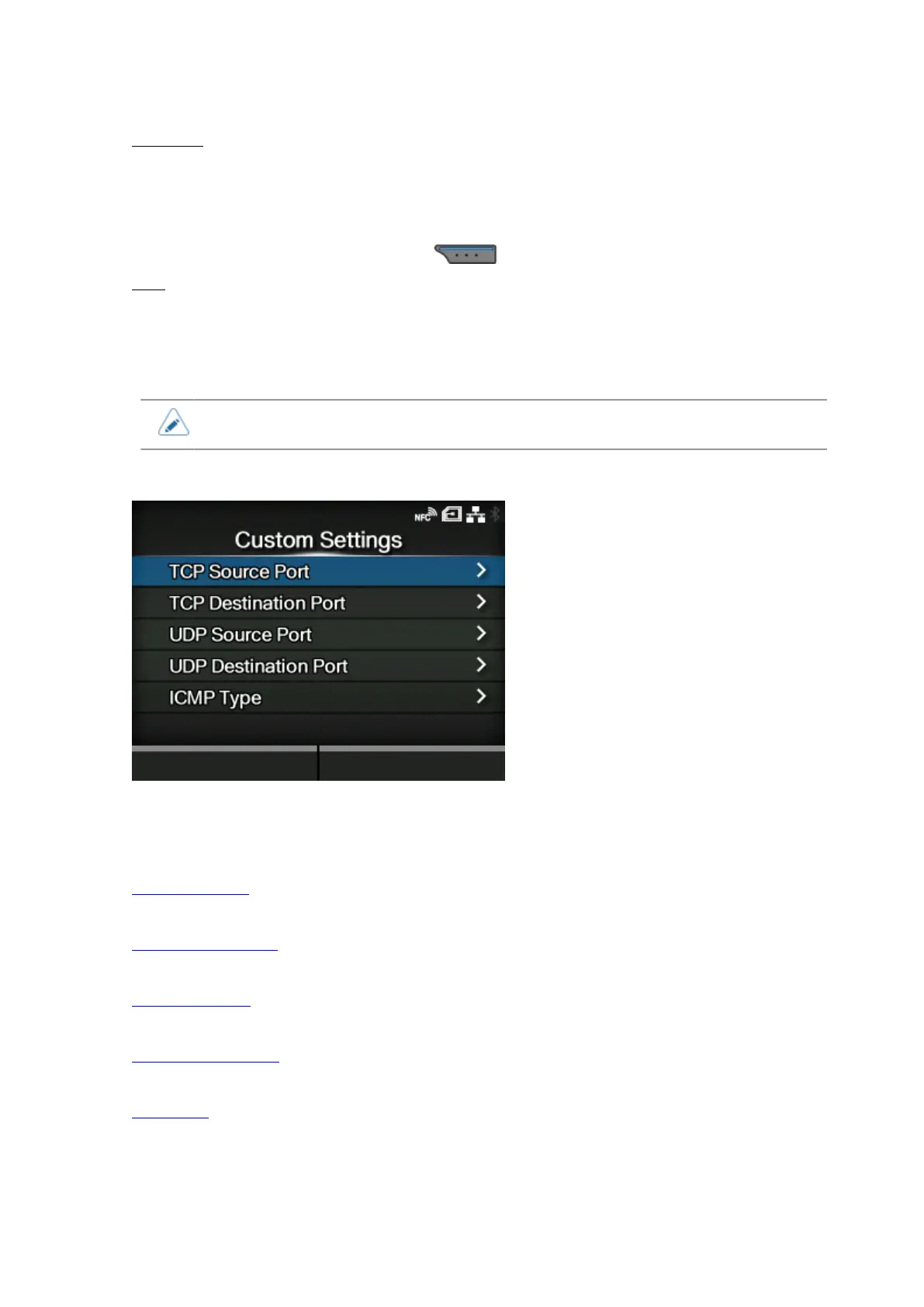
[Custom Settings]
Specify the ICMP type or the port number of TCP or UDP to allow communication.
Available only if you have selected [Enabled] in the [Enable] menu.
The setting items are as follows:
TCP Source Port
Register the TCP source port number to allow communication.
TCP Destination Port
Register the TCP destination port number to allow communication.
UDP Source Port
Register the UDP source port number to allow communication.
UDP Destination Port
Register the UDP destination port number to allow communication.
ICMP Type
Register the ICMP type to allow communication.



 To Next Page