397
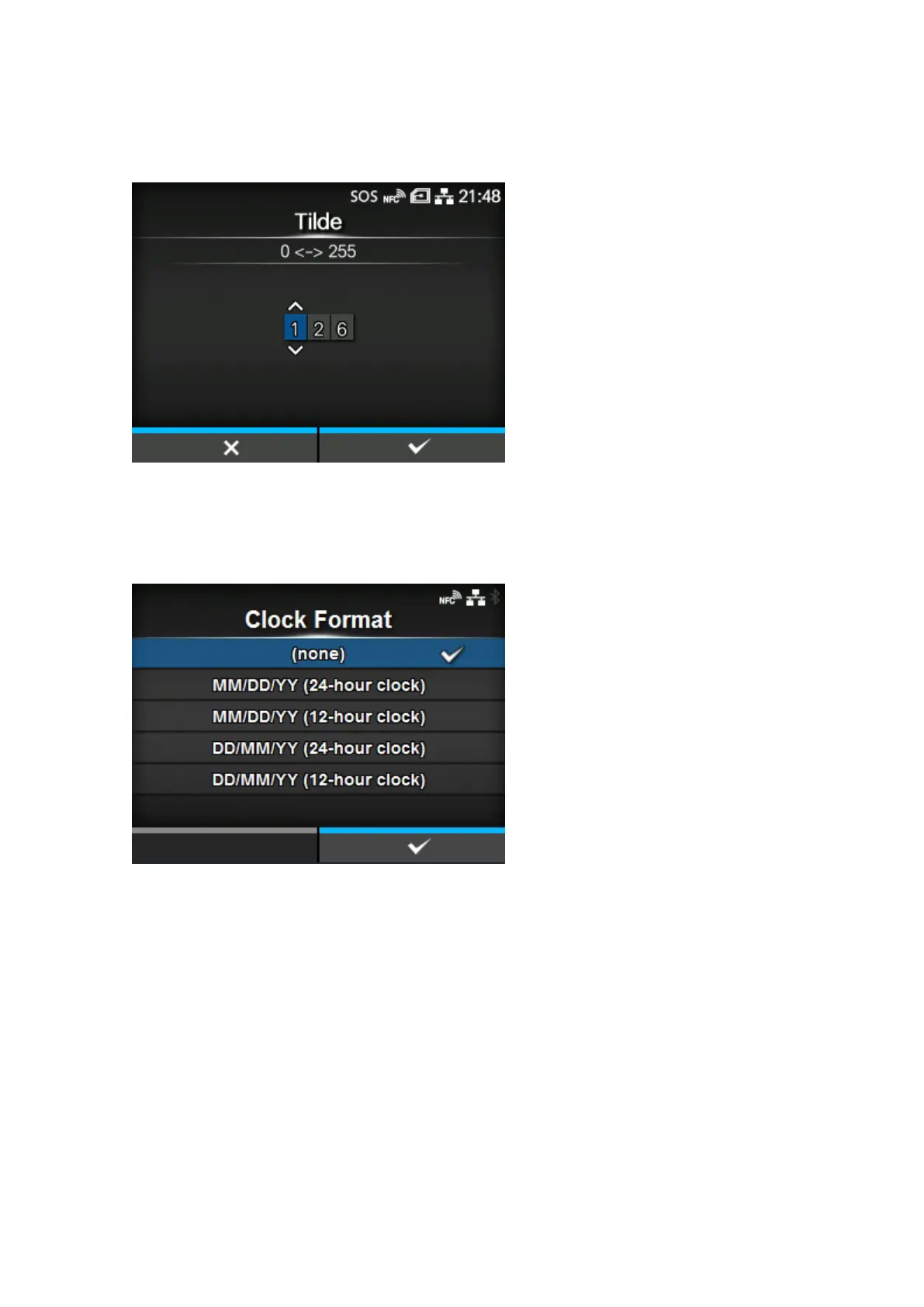
[Tilde]
Set the tilde (~) code.
The setting range is from 0 to 255.
[Clock Format]
Set the date format.
The options are as follows (January 24, 2017, at 1:45 pm, for example):
• [(none)]
• [MM/DD/YY (24-hour clock)] (Example: 01/24/17 (13:45))
• [MM/DD/YY (12-hour clock)] (Example: 01/24/17 (01:45))
• [DD/MM/YY (24-hour clock)] (Example: 24/01/17 (13:45))
• [DD/MM/YY (12-hour clock)] (Example: 24/01/17 (01:45))



 To Next Page