405
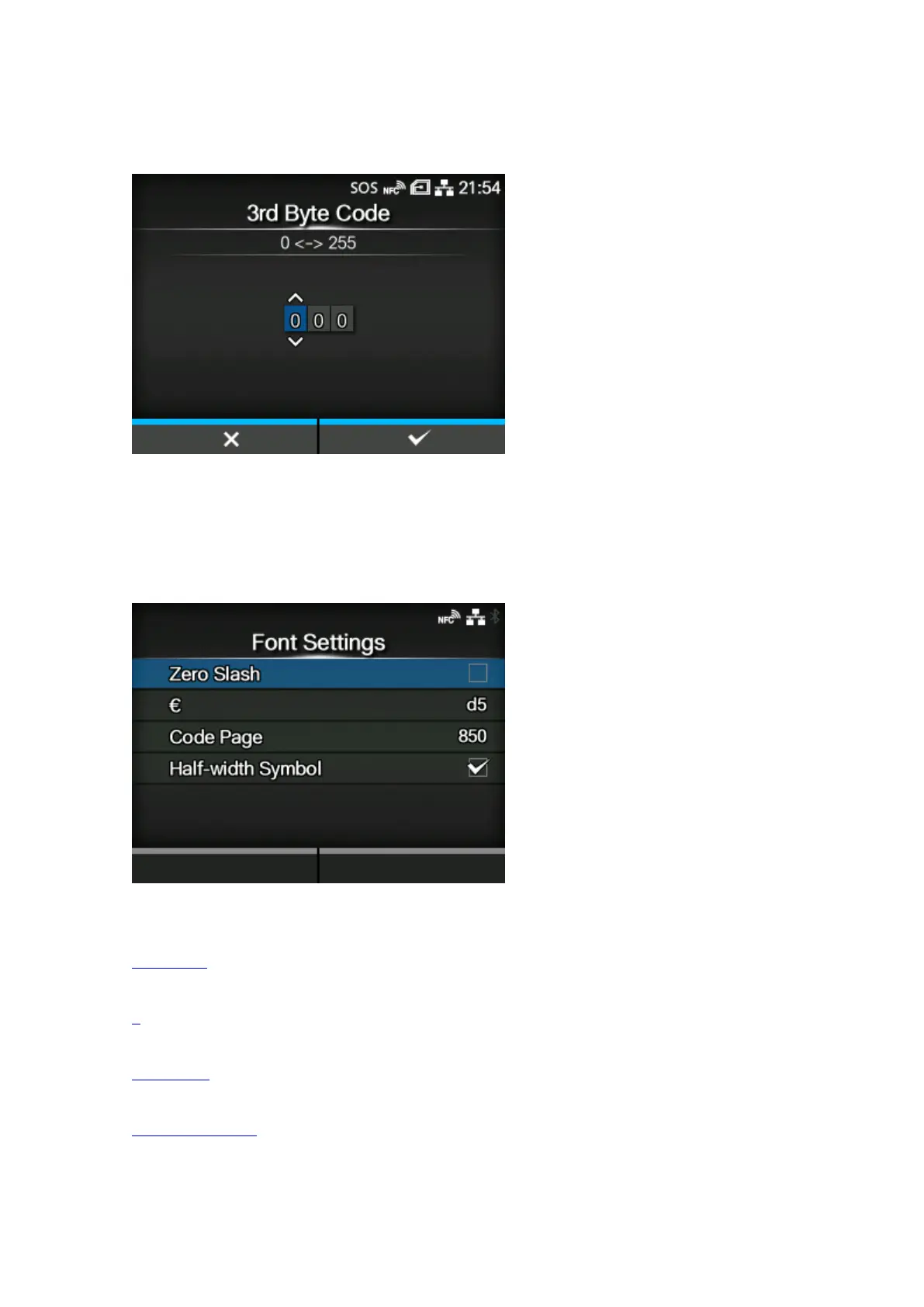
[3rd Byte Code]
Set the third byte code.
You can change this only if you have selected [Custom] in the [Control Code] menu.
The setting range is from 0 to 255.
[Font Settings]
Set the font.
The setting items are as follows:
Zero Slash
Set the type for printing zero.
€
Set the European currency symbol to the ASCII code.
Code Page
Set the code page to be used.
Half-width Symbol
Set whether to print symbols with half-width characters.



 To Next Page