[SDPL]
414
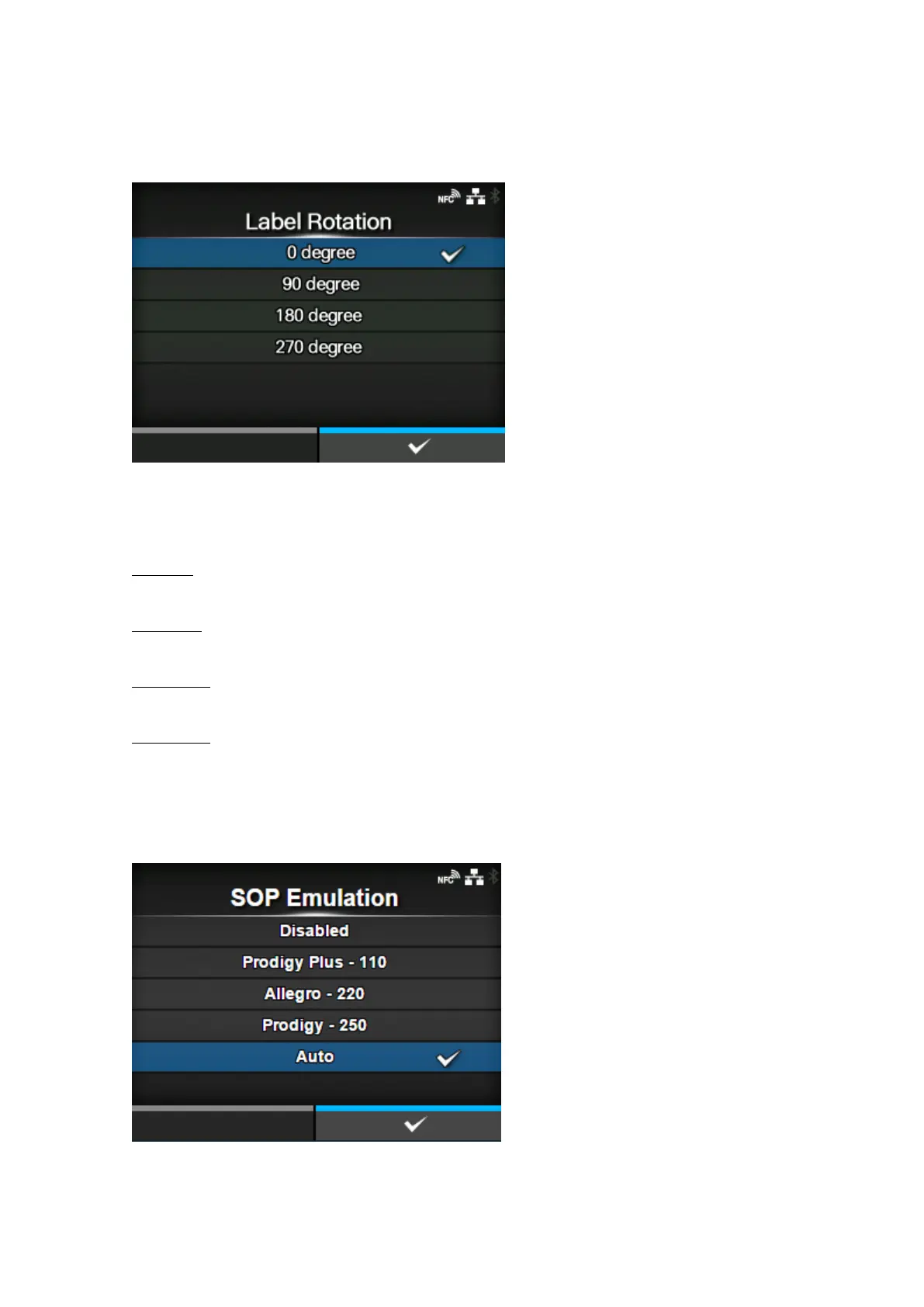
[Label Rotation]
Set the page orientation for label printing.
The label size set in the product is used as a reference for rotation.
The options are as follows:
0 degree
Labels are printed in a portrait orientation.
90 degree
Labels are printed in a landscape orientation.
180 degree
Labels are printed in an inverse-portrait orientation.
270 degree
Labels are printed in an inverse-landscape orientation.
[SOP Emulation]
Set the SOP emulation.
The options are as follows:



 To Next Page