[Regional]
444
[Date]
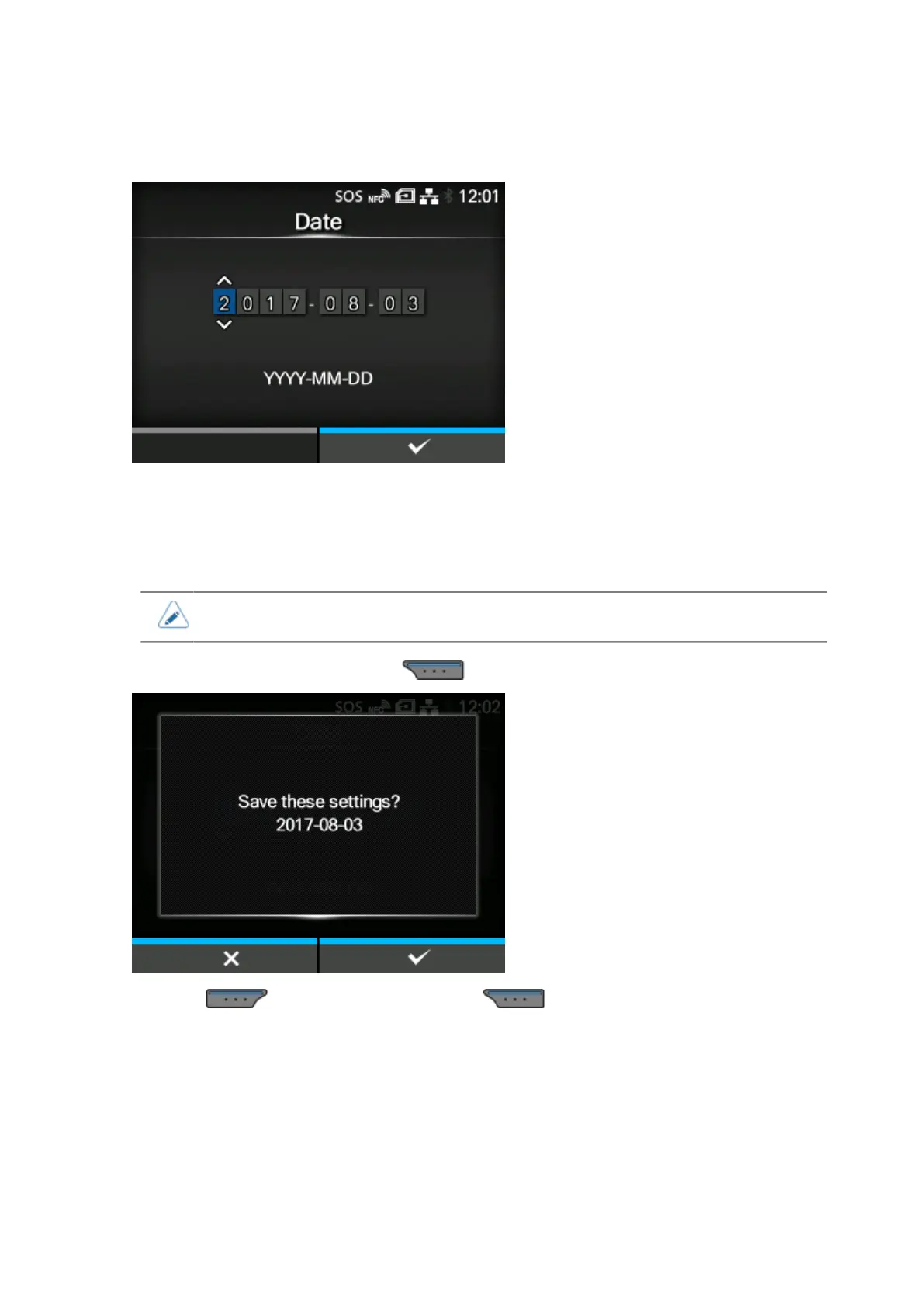
Set the date.
You can set the date only if you have installed the optional RTC kit.
The setting range is as follows:
2000-01-01 to 2035-12-31
• The date format is Year - Month - Date.
After setting the date and pressing the button, the confirmation screen appears.
Press the button to cancel, or press the button to confirm the setting.



 To Next Page