[Certificates]
490
HTTPS
Installs the HTTPS certificates from the USB memory.
Wi-Fi Root CA
Installs the Wi-Fi Root CA certificates from the USB memory.
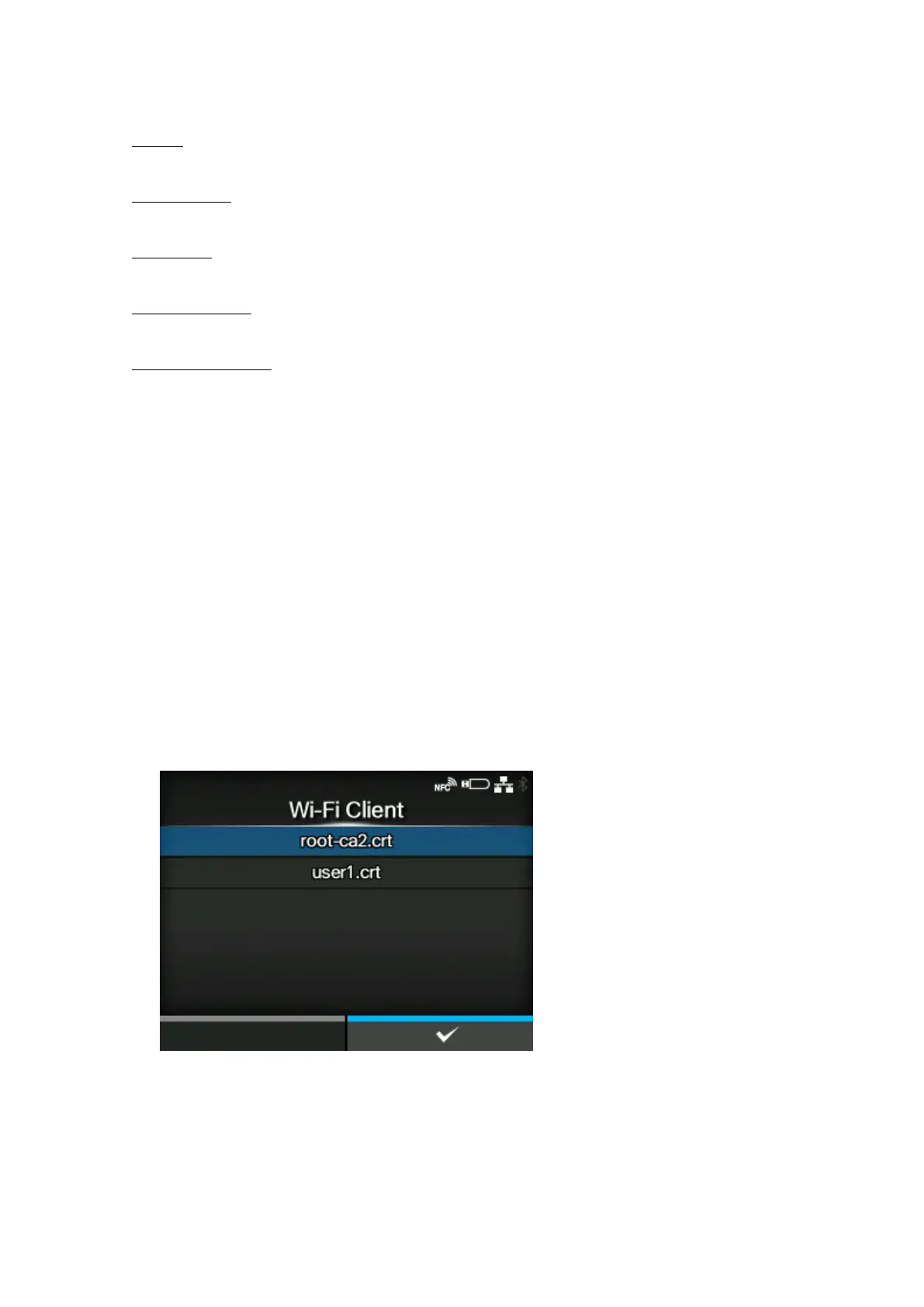
Wi-Fi Client
Installs the Wi-Fi client certificates from the USB memory.
Wi-Fi Private Key
Installs the Wi-Fi private key from the USB memory.
EAP-FAST PAC File
Installs the EAP-FAST PAC file from the USB memory.
The procedure to install the certificates and PAC files is as follows:
1. Save the certificate files to the USB thumb drive memory’s root folder.
Acceptable file extensions are as follows:
◦ .pem, .crt, .cer, .der for Root CA and client certificate in PEM or DER format
◦ .pfx and .p12 for client certificates in PKCS #12 format
◦ .prv and .key for private keys in PEM/PKCS#8 format
◦ .pac for PAC files
2. Insert the USB memory into the USB connector (Type A).
3. Go to the [Settings] > [Tools] > [Certificates] menu.
4. Select the certificate you want to install. Refer to the item description above.
5. Select the certificate file from the list.



 To Next Page