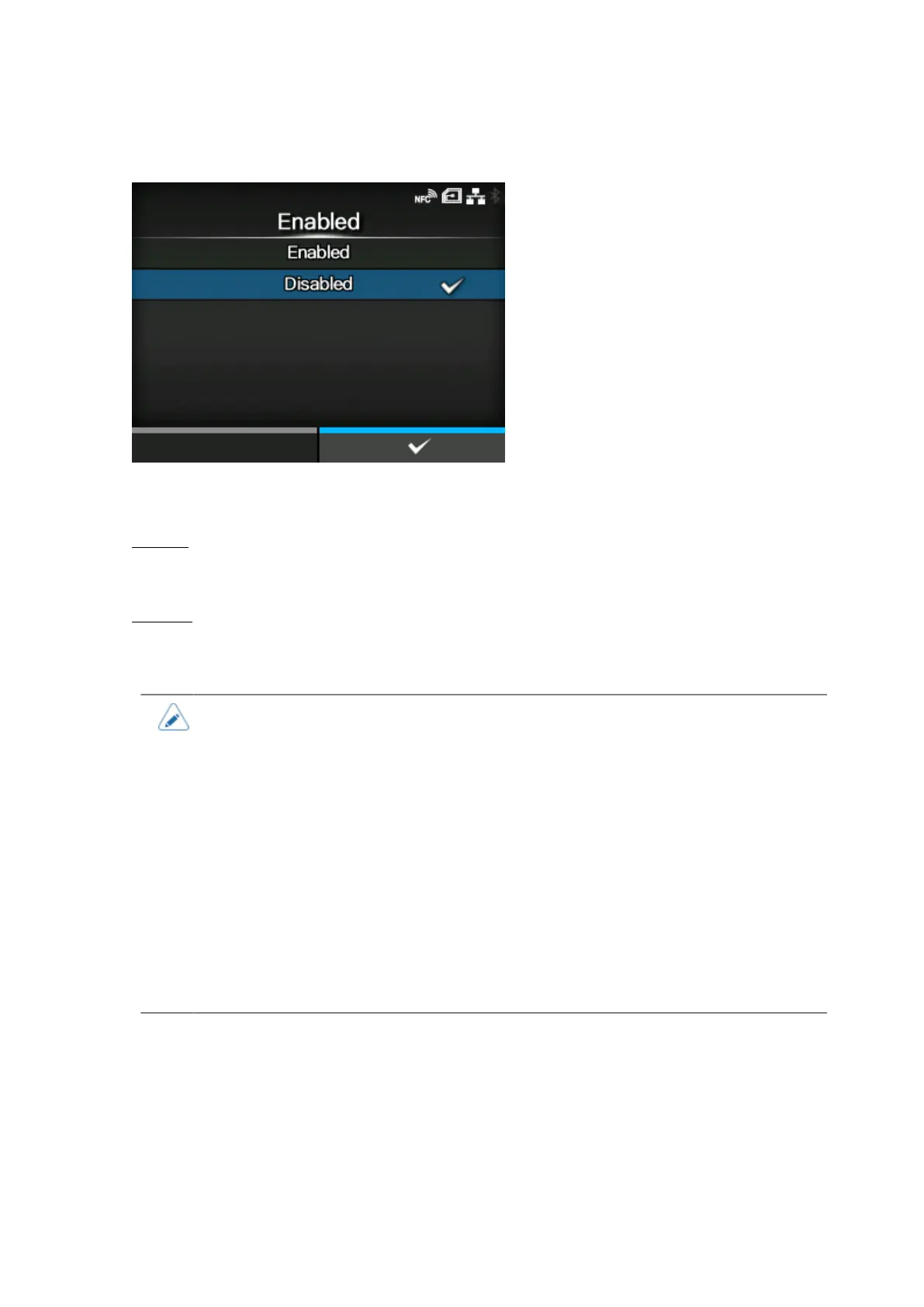
[Logging Function]
506
[Enabled]
Enable or disable the logging function.
The options are as follows:
Enabled
Enable the logging function. When this function is enabled, the log data is saved when powering
off the product.
Disabled
Disable the logging function.
• When this function is enabled, log data is saved when powering off, so it may take
some time to power off the product. Wait until the product is powered off.
• While the log data is being saved, a red message that says "Log Saving" appears on
the screen.
• The product stores log data for the last five times the product was powered off.
• The types of log data that are saved are as follows:
◦ Key events
◦ Analysis status
◦ System logs and settings
◦ Shared memory (including receive buffer)
◦ Operational logs for the barcode scanner



 To Next Page