601
3.
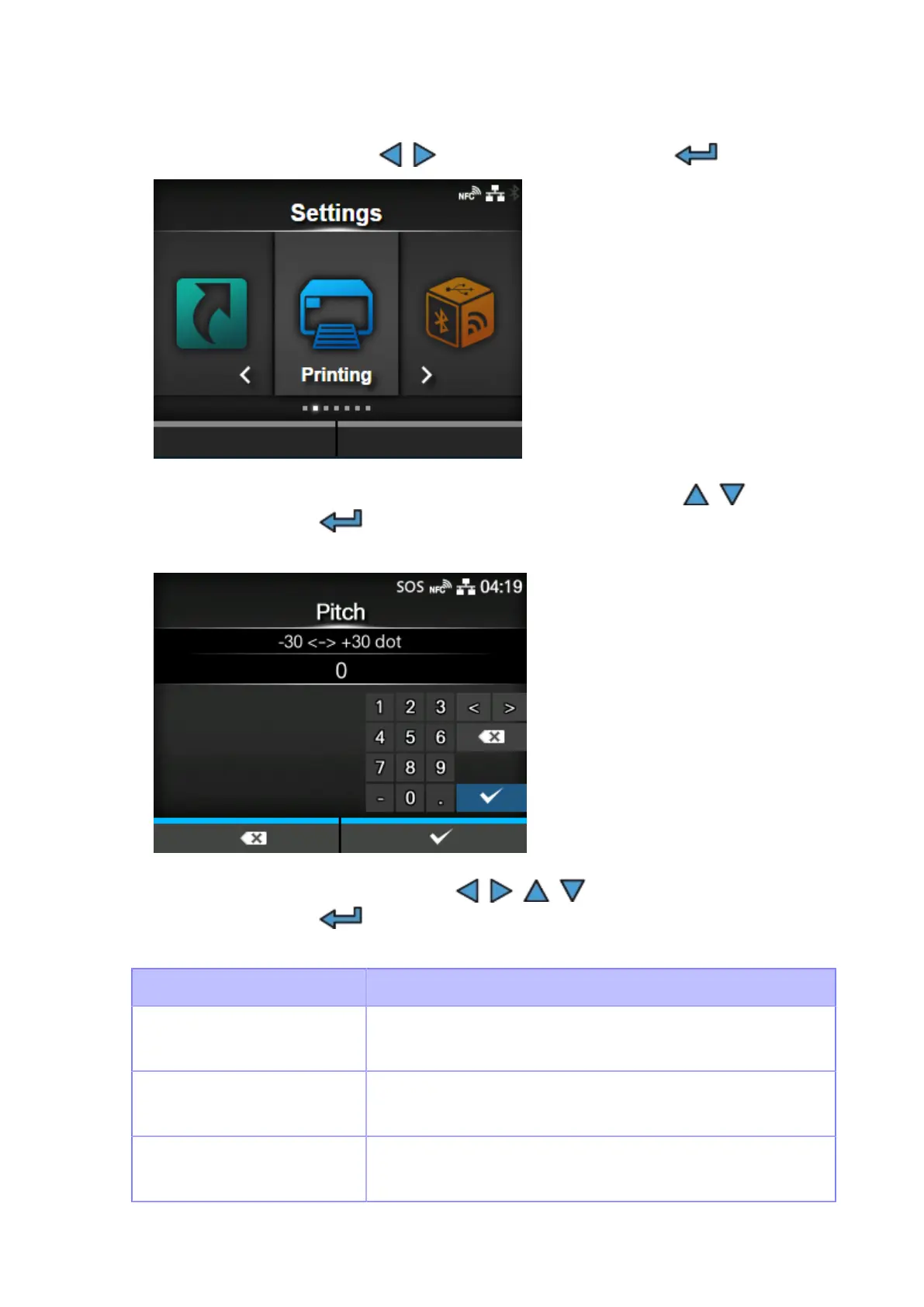
Select [Printing] using the / buttons, and then press the button.
4.
Select the [Advanced] > [Adjustments] > [Pitch] menu using the / buttons,
and then press the button.
The [Pitch] screen appears.
5.
Change the setting value. Press the / / / buttons to select a number
and then press the button to enter the number to the text box.
The setting range is as follows:
Resolution CL4NX Plus
203 dpi
(1 dot = 0.125 mm (0.0049"))
-30 to +30 dots
305 dpi
(1 dot = 0.083 mm (0.0033"))
-45 to +45 dots
609 dpi
(1 dot = 0.042 mm (0.0017"))
-90 to +90 dots



 To Next Page