Initializing the Setting Values on the Product
652
11.
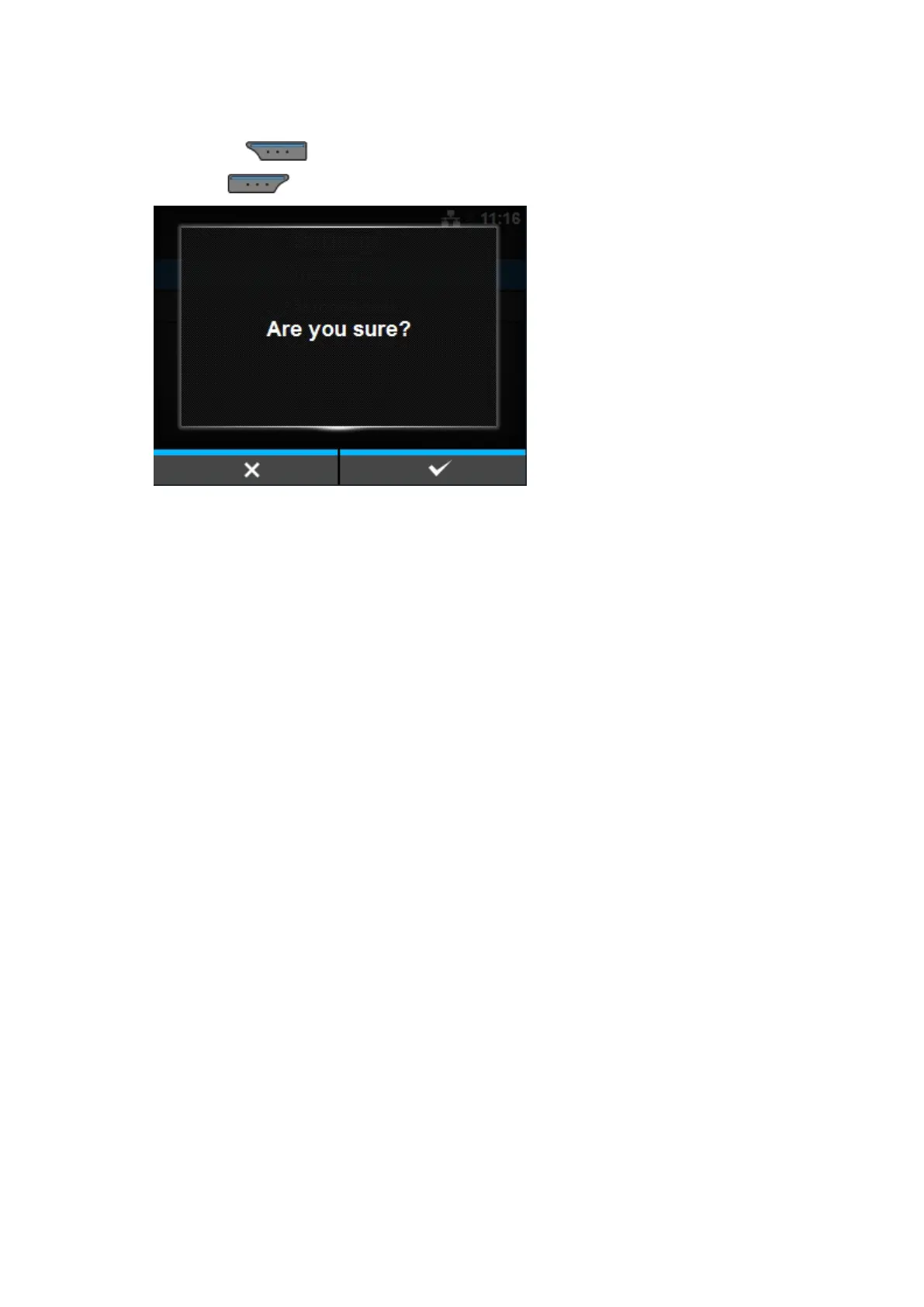
Press the button to perform the initialization.
Press the button to cancel the initialization.
The initialization is performed.
If a message prompting you to restart the product appears on the Online/Offline screen, reboot the
product to apply the settings.



 To Next Page