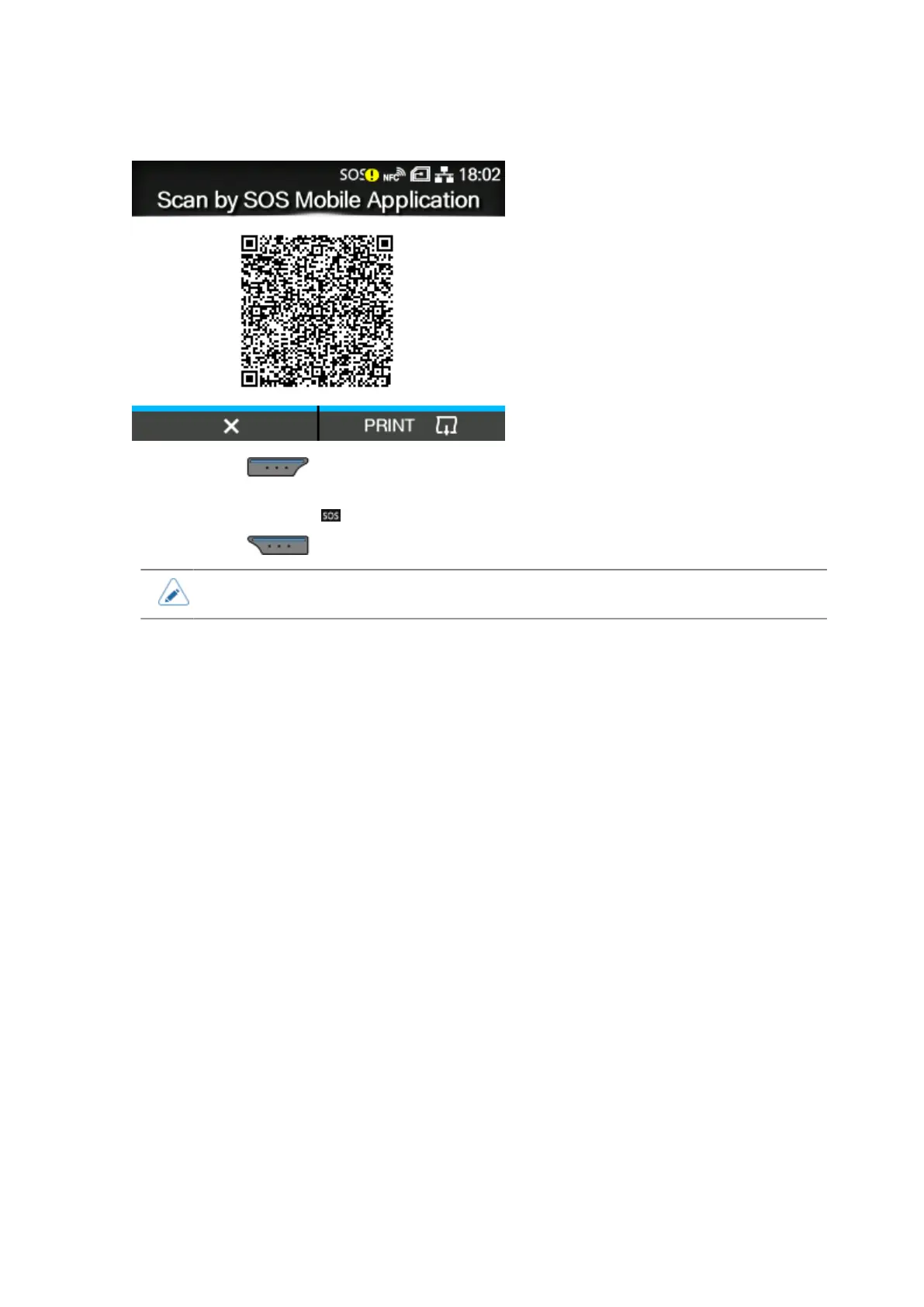
Operating the Notification Screen of the SOS (SATO Online Services) On-Demand Mode (SOS users only)
694
When [Update Screen] Is Set to [Print]
By pressing the button, the QR code for periodic notification is reset and the display returns
to the Offline screen.
The status icon changes to .
By pressing the button, the QR code for periodic notification is printed.
• QR codes can also be displayed from [Daily Checkup].



 To Next Page