Operating the Date and Time Settings Notification Screen of SOS (SATO Online Services) (SOS users only)
696
3.
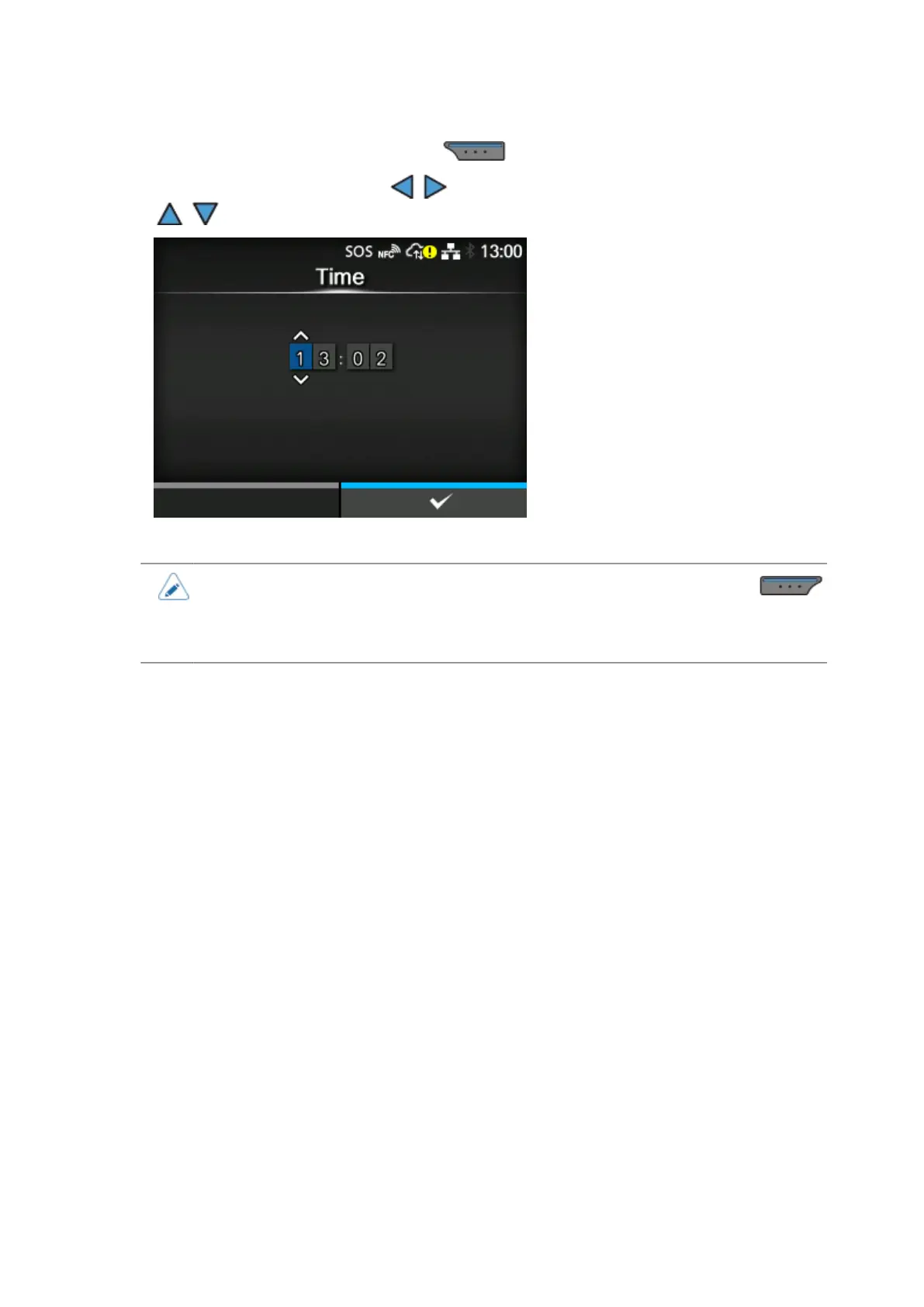
Set the correct time and press the button.
Select the digit for input using the / buttons and select the number to input using the
/ buttons.
•
SOS will not operate if you cancel the date and time settings by pressing the
button on the notification screen. To display the notification screen again, reboot the
product or change the setting of [On-Demand]/[Real-Time] in [SOS Mode] a few times
to reboot the SOS function.



 To Next Page