722
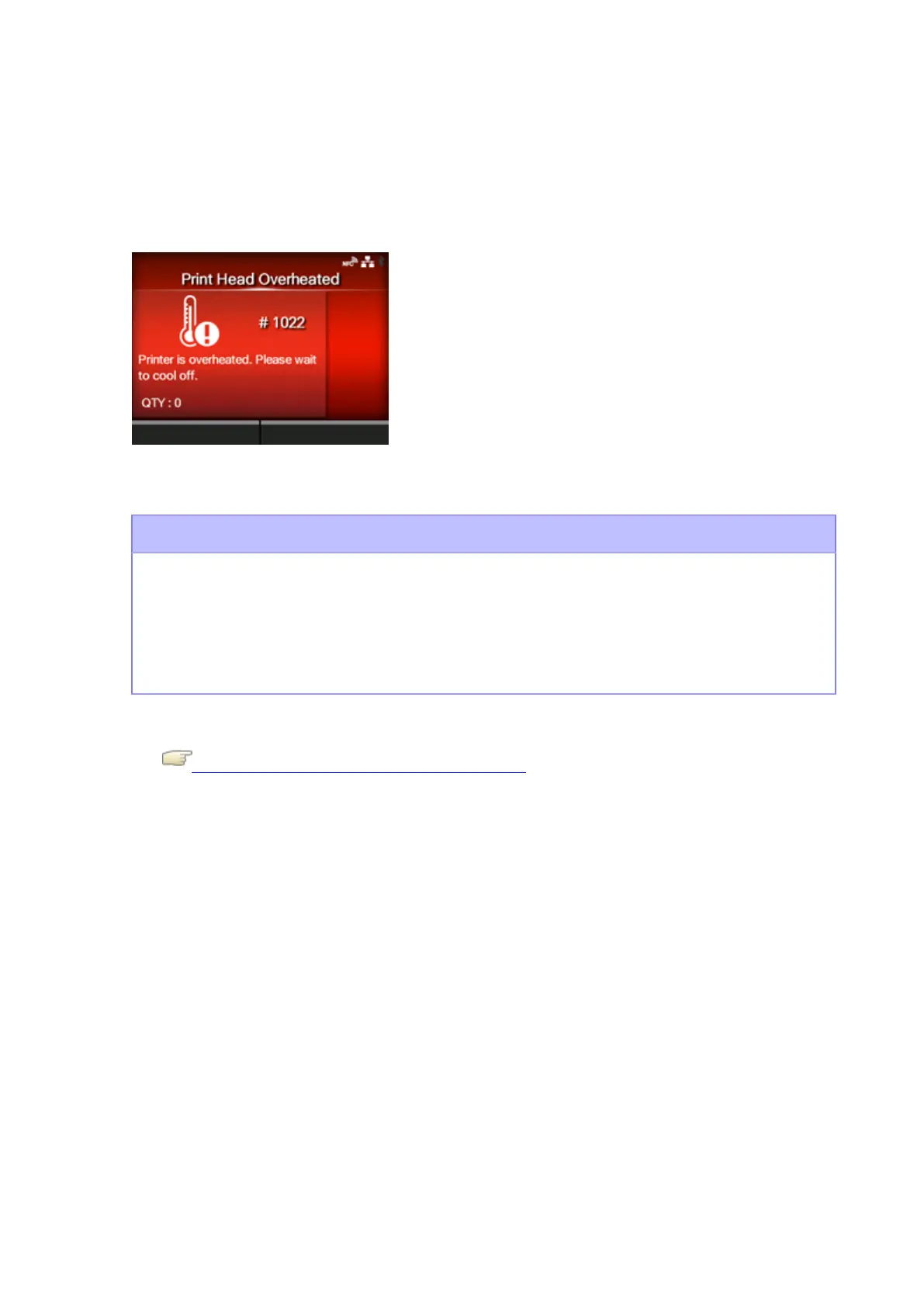
Error Message 1022 (Print Head Overheated)
When there is an error with the product, the error message appears on the screen.
Check the cause and countermeasure, and then take appropriate action.
To clear the error:
Stop the operation of the product and wait for the temperature to fall.
Cause and Countermeasure
Cause
The temperature of the product has exceeded its allowed value.
Countermeasure
Stop the operation of the product and wait for the temperature to fall.
Contact your SATO technical support center if the error cannot be resolved.
Contact Information for When You Are in Trouble



 To Next Page