Media Sensor Type
94
5.
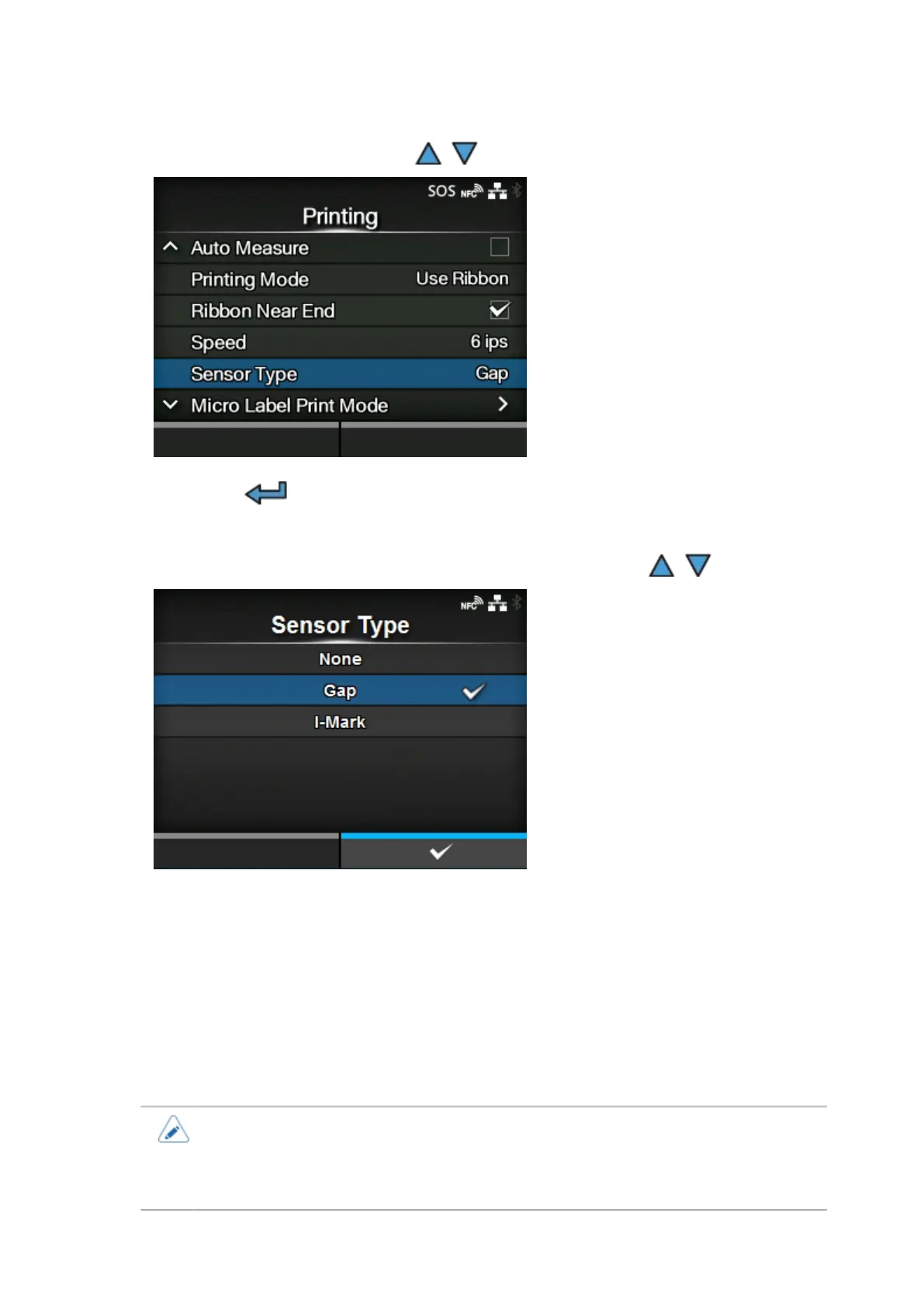
Select [Sensor Type] using the / buttons.
6.
Press the button.
The [Sensor Type] screen appears.
7.
Select the sensor type to detect the print position using the / buttons.
[None]
Disables the media sensor.
[Gap]
Select when using gap type media. Use the transmissive type sensor.
[I-Mark]
Select when using I-mark type media. Use the reflective type sensor.
• If you have selected [Tear-Off], [Dispenser], or [Cut & Print] in the [Print Mode] menu,
only [Gap] and [I-Mark] will be available.
• If you have selected [Linerless] in the [Print Mode] menu, only [None] and [I-Mark] will
be available.



 To Next Page