99
7.
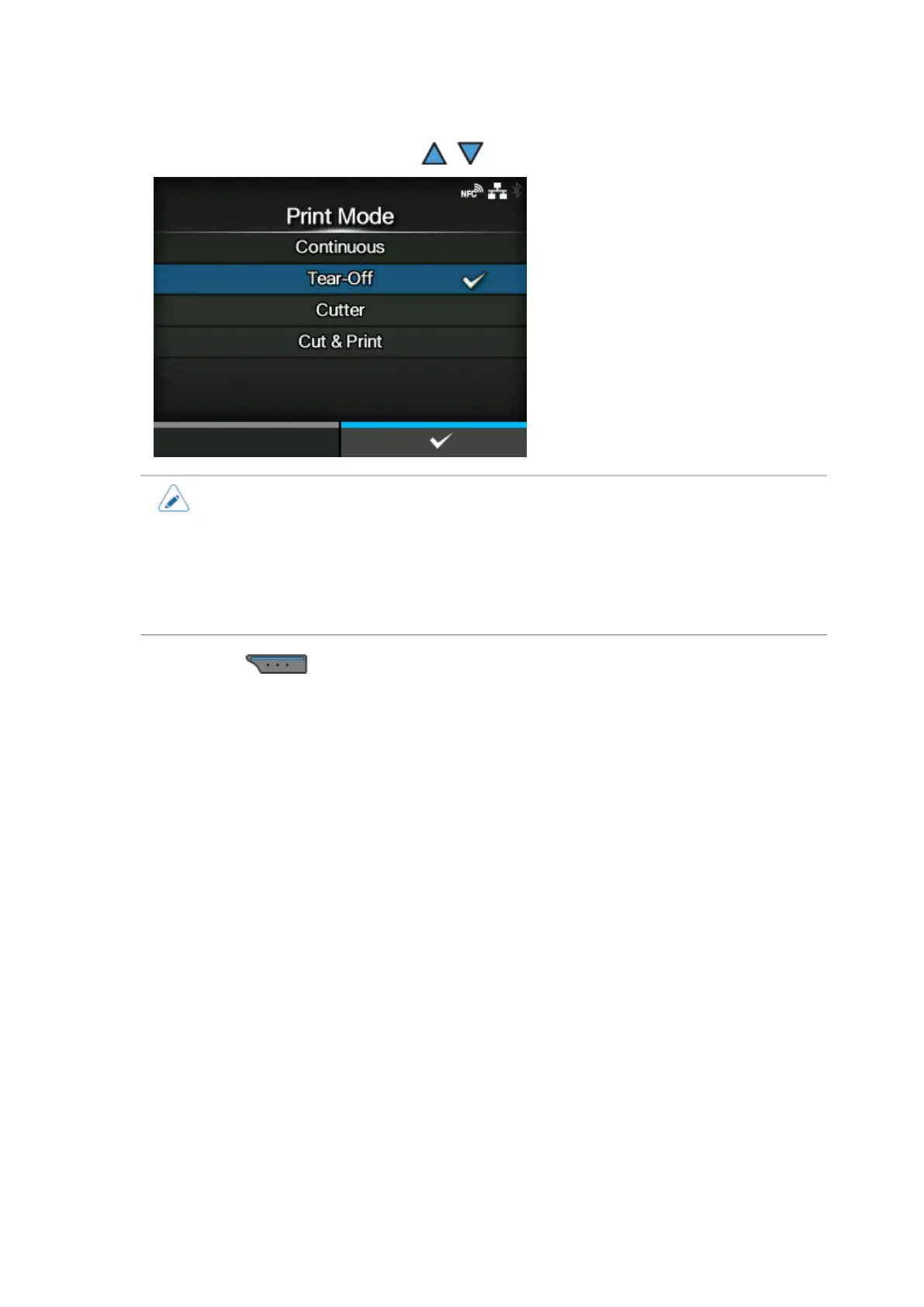
Select the print mode using the / buttons.
• If no option is installed, [Continuous] and [Tear-Off] are available.
• If the optional cutter unit is installed, [Continuous], [Tear-Off], [Cutter], and [Cut & Print]
are available.
• If the optional dispenser unit is installed, [Continuous], [Tear-Off], and [Dispenser] are
available.
• If the optional linerless cutter kit is installed, only [Linerless] is available.
8.
Press the button to confirm.



 To Next Page