63 22 726 D3561
126 D3561.201.01.03.02 05.2012
4 Operation Sirona Dental Systems GmbH
4.6 Assistant element Operating Instructions SINIUS / SINIUS CS
touchscreen of the dentist element. To make settings, see "Fixed keys on
the dentist element" [ → 76].
4.6.3.1
Tumbler filling
Tumbler filling
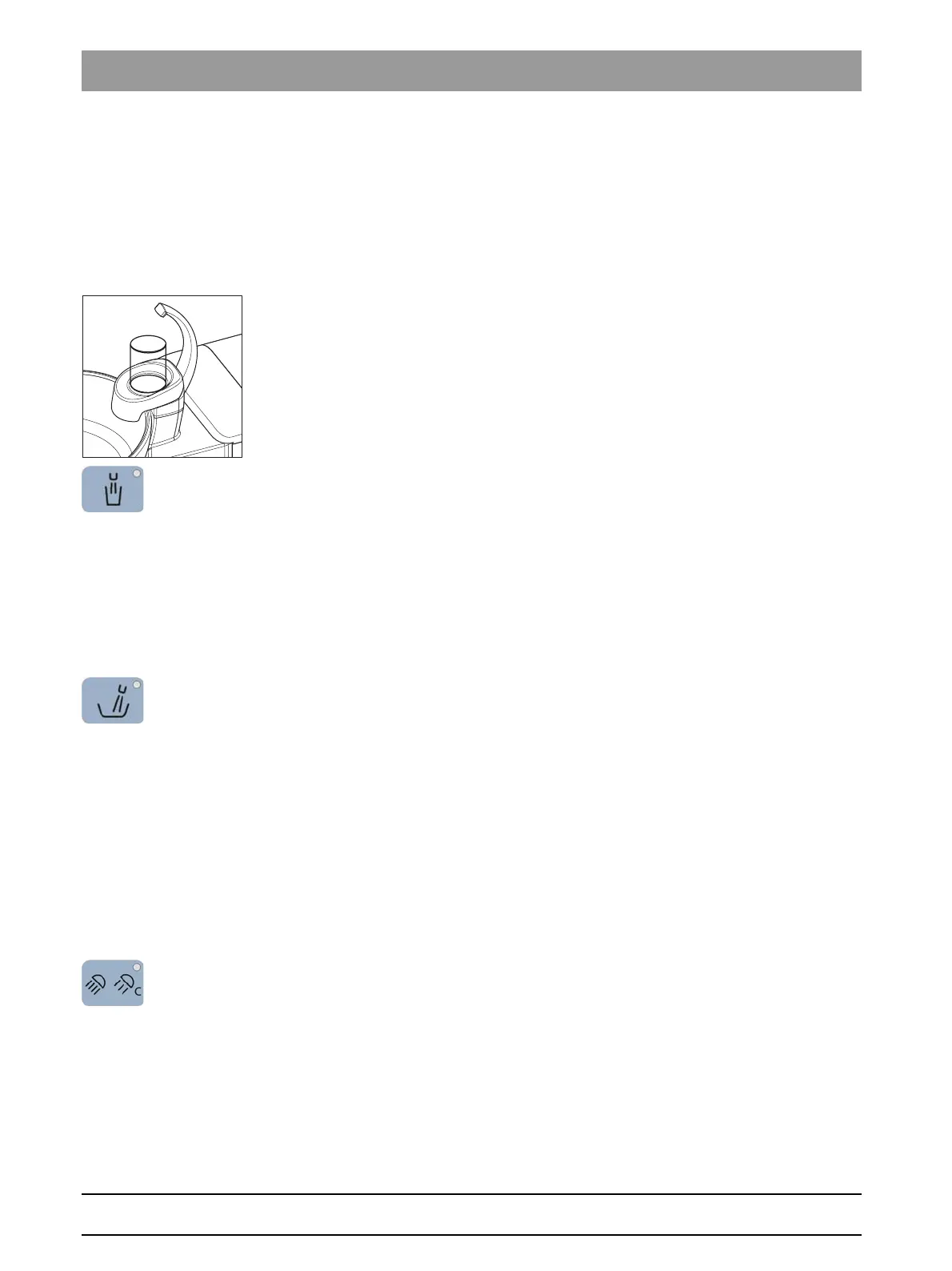
If the your treatment center is equipped with the Tumbler filling option with
automatic sensor control, see “Tumbler filling with automatic sensor
control” [ → 134].
1. Place the tumbler under the tumbler filler.
2. Press the
Tumbler Filling
fixed key.
The tumbler is filled with water for the preset time. The LED in the
key lights up during the tumbler filling process.
Pressing the
Tumbler Filling
fixed key again stops the filling function
immediately.
4.6.3.2
Flushing of the cuspidor bowl
Flushing of the cuspido r bowl
The flushing function can be used for rough cleaning of the cuspidor
during treatment.
➢ Press the
Flushing
fixed key.
The flushing function is activated for the preset flushing time. The
LED in the key lights up during the flushing function.
4.6.3.3
Operating light
Operating light
Controlling operating li ght on assistant element
Repeatedly press the fixed key
Operating light
to set the following
switching positions at the assistant element:
1. Switched on: The operating light is switched on at the set brightness
level.
2. Composite function: The operating light is operated with reduced
brightness to prevent the premature curing of composite fillings.
3. Deactivated
➢ Press the
Operating light
fixed key, repeat if necessary.
The examination light switches to “switched on”, “composite
function” or “switched off”. If the operating light is in use, the LED
on the fixed key lights up on the dentist and assistant elements.















 To Next Page